Top - Level Summary
Four small changes, a lot less re-typing
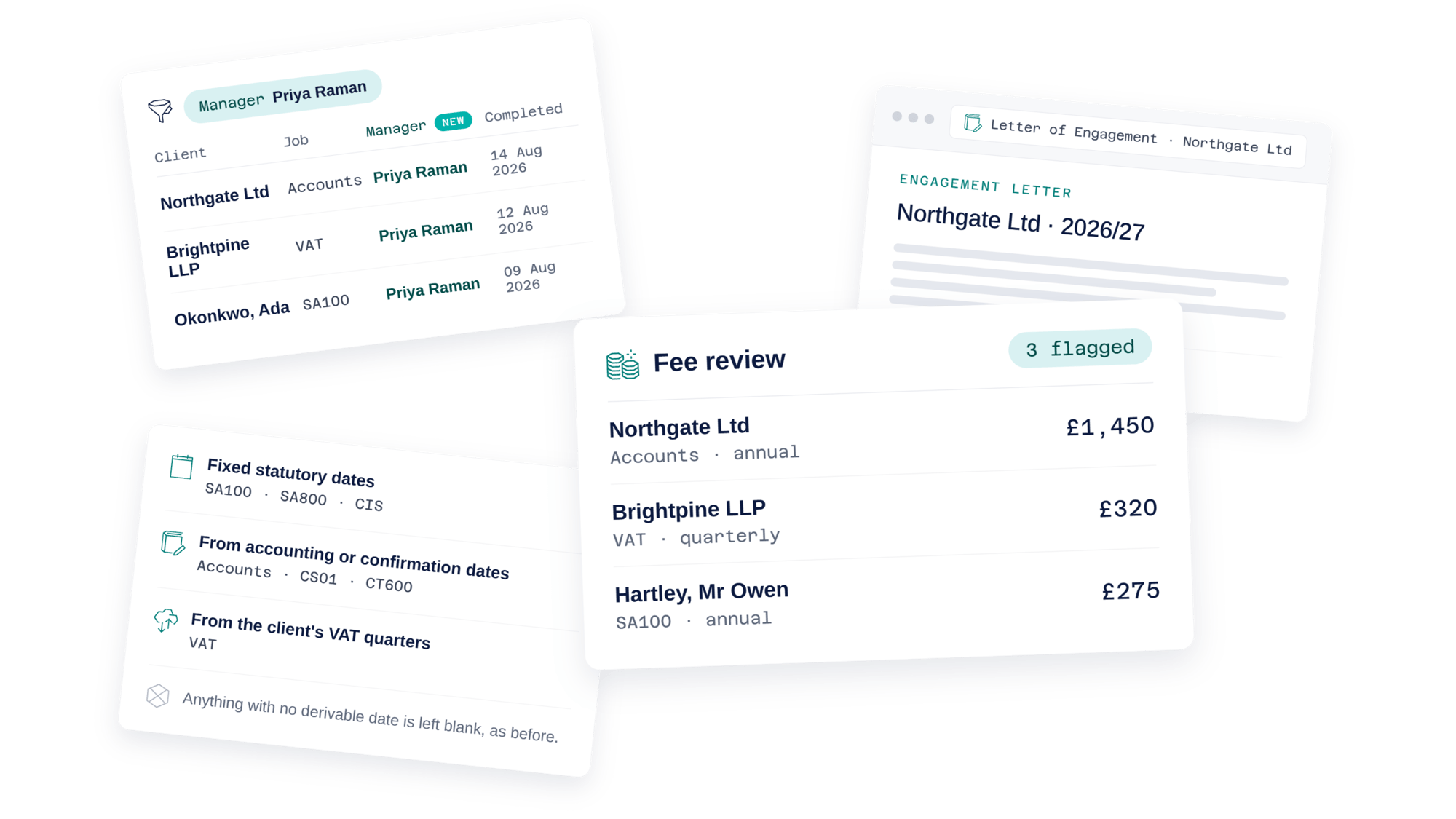
Four changes have gone into Engager this month: a Manager column on the Completed Jobs report, full-screen previews for Proposals and Letters of Engagement, a new Fee review widget on the Dashboard, and due dates that now populate automatically when you bulk enable services. None of them are big. All of them remove a step you'd otherwise repeat over and over.
Here's what's changed, and why we bothered.
See who managed each job on the Completed Jobs report
You can now see who managed each job directly in the Completed Jobs report. A new Manager column has been added, along with a filter so you can narrow the report down to a single manager's completed work, handy for performance reviews, workload checks, or just seeing what a particular manager has wrapped up recently.
Preview Proposals and Letters of Engagement full screen
You can now open a Proposal or Letter of Engagement full screen in a new tab. It's a small change, but a useful one: you can check the document reads well before it goes out, without the surrounding interface getting in the way.
A new Fee review widget on the Dashboard
You can now see, at a glance, which service checklists have been flagged for a fee review. The new Fee review widget on your Dashboard surfaces them all in one place, so nothing slips through to the next billing cycle unnoticed.
This is the first phase. We've more planned to build on it, so if there's something you'd want the widget to do, let us know in the comments.
Due dates now populate automatically when bulk enabling services
You can now bulk enable services and have the due dates filled in for you, rather than setting them one by one. This applies wherever the date can be worked out automatically:
- Fixed statutory dates: SA100, SA800 and CIS
- Derived from the client's accounting or confirmation statement dates: Accounts, CS01 and CT600
- Derived from the client's VAT quarters: VAT
Services with no pre-defined or derivable date are left blank, as before.
More where this came from
These four updates are just the latest in a steady stream of improvements we're making to Engager, with more already in the works. Want to make sure you don't miss what's next?
Follow us on social media for updates as they land, and keep an eye on our webinars, where we walk through features like these in more detail and answer your questions live. You'll find all our latest updates, social channels, and upcoming webinars in one place at taxcalc.com/links.
As always, we'd love to hear what you think. Get in touch with your feedback.