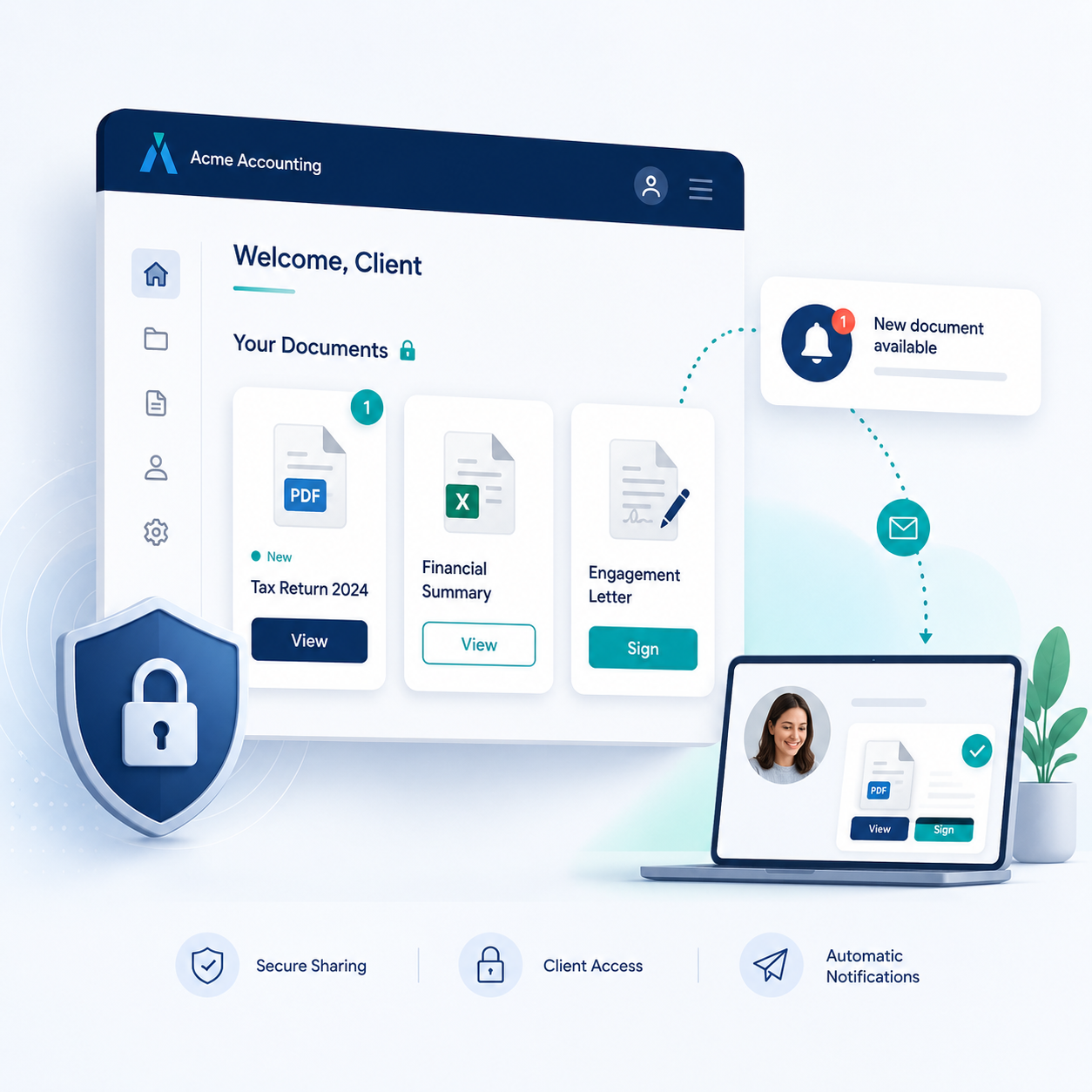
Connect TaxCalc with SmartVault to keep client documents, tax files and practice records securely organised, helping your team reduce manual admin and work from one clearer document workflow.
TaxCalc + SmartVault integration

Send and share documents securely — without the admin
The TaxCalc SmartVault integration gives you a simple, secure way to send documents from TaxCalc into your document management system.
Send files straight to the right place, store them securely, and share them with clients through a professional portal - all as part of your normal workflow.
SmartVault at a glance
SmartVault is a secure document management and client portal solution designed for accountants.
It allows you to store, manage and share documents in a structured environment, while giving clients secure access to their files whenever they need them.

One integration across your document workflow
Whether you're sending tax returns, accounts or client communications, the SmartVault integration helps you manage documents consistently across your practice. No downloading files. No renaming documents. No emailing attachments. Just send documents from TaxCalc to SmartVault, where they’re stored and shared securely with your client.
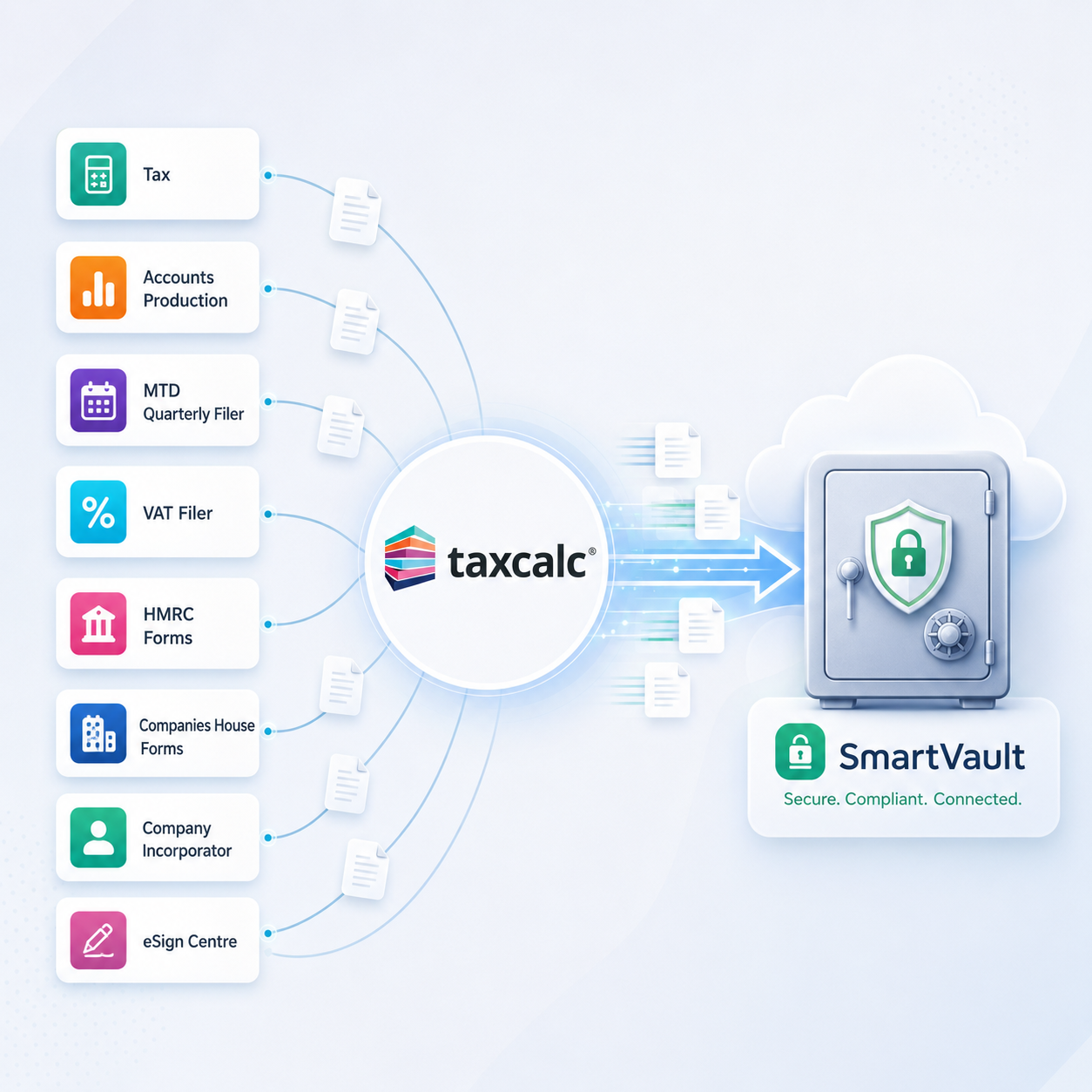
Works across your TaxCalc workflow
Send documents to SmartVault from across these TaxCalc modules:
- Tax
- Accounts Production
- MTD Quarterly Filer
- VAT Filer
- HMRC Forms
- Companies House Forms
- Company Incorporator
- eSign Centre
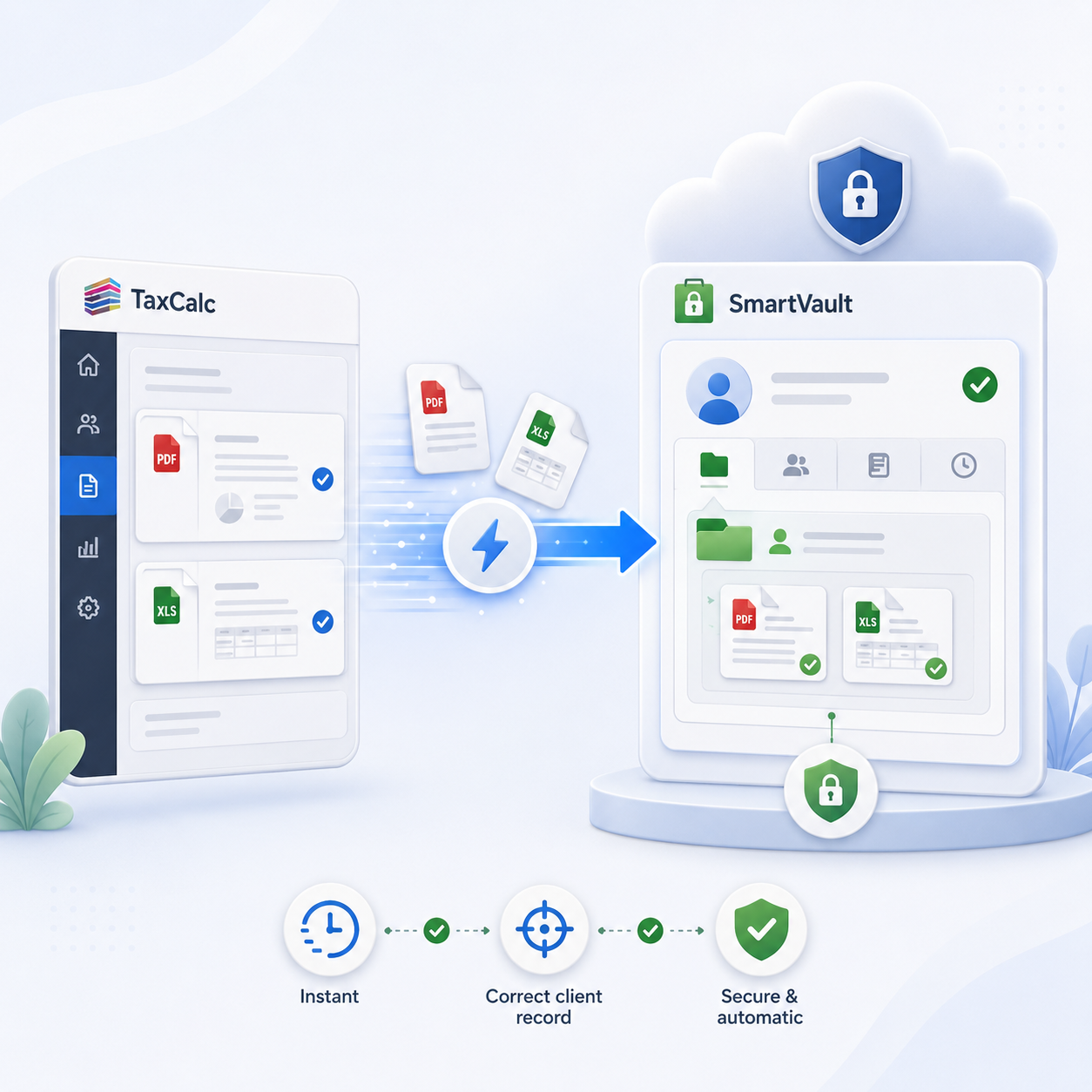
Send and store documents instantly
Send documents straight from TaxCalc to SmartVault, where they’re stored securely in the correct client record.
Reduce manual handling and ensure files are saved in the right place first time.
Share documents securely with clients
Give clients access to their documents through a secure, branded portal. They’re notified automatically when new documents are available, so they can view or act on them straight away.
Keep everything organised and accessible
Store, organise and manage documents in SmartVault, giving you a clear, structured view of each client’s records.
No more searching through folders or resending documents — everything is easy to find when you need it.
How the integration works
Get set up once, then use the integration across your entire client base.
Activate Document Manager
Purchase and activate a Document Manager licence in TaxCalc to enable the SmartVault integration.
Send documents from TaxCalc
Send documents directly from TaxCalc to SmartVault as part of your normal workflow. Files are stored securely and linked to the correct client automatically.
Access and manage files
View, organise and share documents in SmartVault, keeping client files secure and easy to manage in one place.
/man-working-with-calculator-and-paperwork-2026-03-17-17-45-40-utc.webp)
FAQs
The SmartVault integration is enabled through Document Manager, part of TaxCalc’s Classic Practice Management tools.
It allows you to send documents directly from TaxCalc into SmartVault, where they are securely stored, organised and shared with clients.
Documents can be sent from across TaxCalc, including Tax, Accounts Production, VAT Filer, MTD Quarterly Filer, Company Incorporator, HMRC Forms, Companies House Forms and eSign Centre.
To use the integration, you need to activate a TaxCalc Document Manager licence. For a step-by-step guide, please visit this page.
We partnered with SmartVault to offer an all-in-one solution for online document sharing. We chose SmartVault because we want to ensure we provide software that is built for accountants, and packed with features helping to streamline your document workflow and increase productivity. We believe SmartVault is an ideal complement to our existing software, allowing our customers to easily and securely store and send the documents they are creating in TaxCalc.
Clients receive a notification and can log in to a secure, branded portal to view or download their documents.
No. There is no direct integration between SmartVault and Engager. Engager has its own built-in document storage, and TaxCalc users with a linked Engager account can send documents from TaxCalc directly to Engager instead.
Browse TaxCalc products and integrations to see what else fits your workflow.
Looking for more ways to connect your practice?
Browse TaxCalc's compliance, accounts production, and practice management tools to see what else fits your workflow.