TaxCalc classic practice management tools

TaxCalc’s classic practice management tools help you keep work organised, time tracked, and client data and communication under control – without forcing you to change how your practice already works.

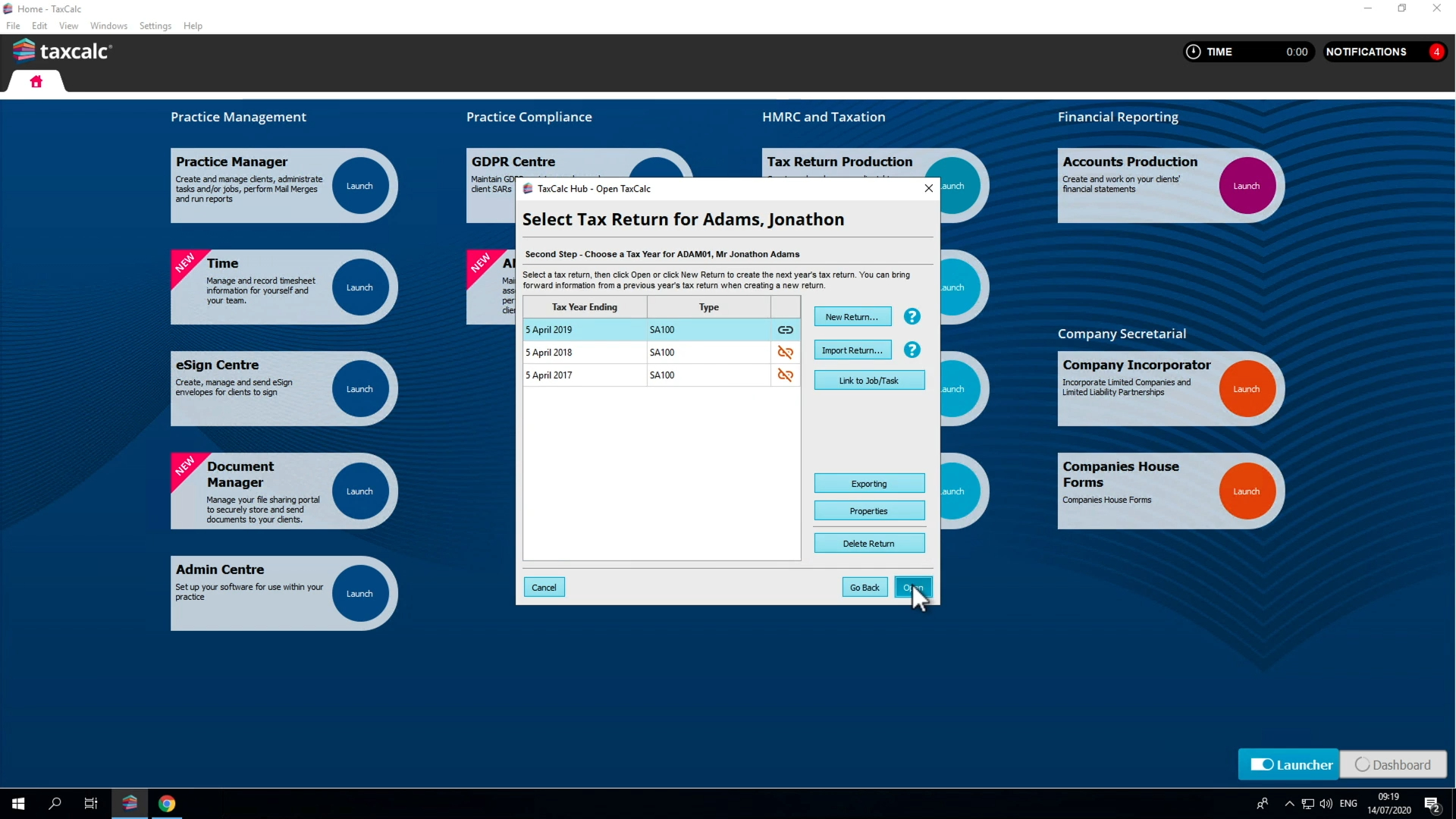
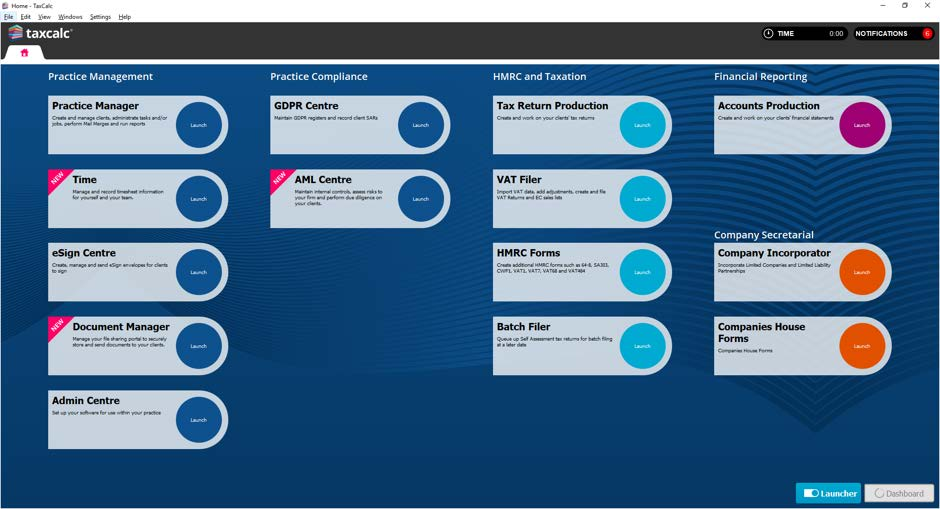
Explore tools like Practice Manager, WorkFlow, Time, Companies House Advanced Integration, Communication Centre and Document Manager. Each product focuses on a specific part of running a practice and can be used on its own or alongside other TaxCalc tools, giving you the flexibility to use what fits your setup today and evolve.

Choose the tools that support how your practice works

Jump straight to the products you want to explore and see how each one helps you manage work, time, clients and communications across your practice. 

Practice Manager

WorkFlow

Time

Companies House Advanced Integration

Communications Centre

Document Manager

logo-engager

Practice management in one product

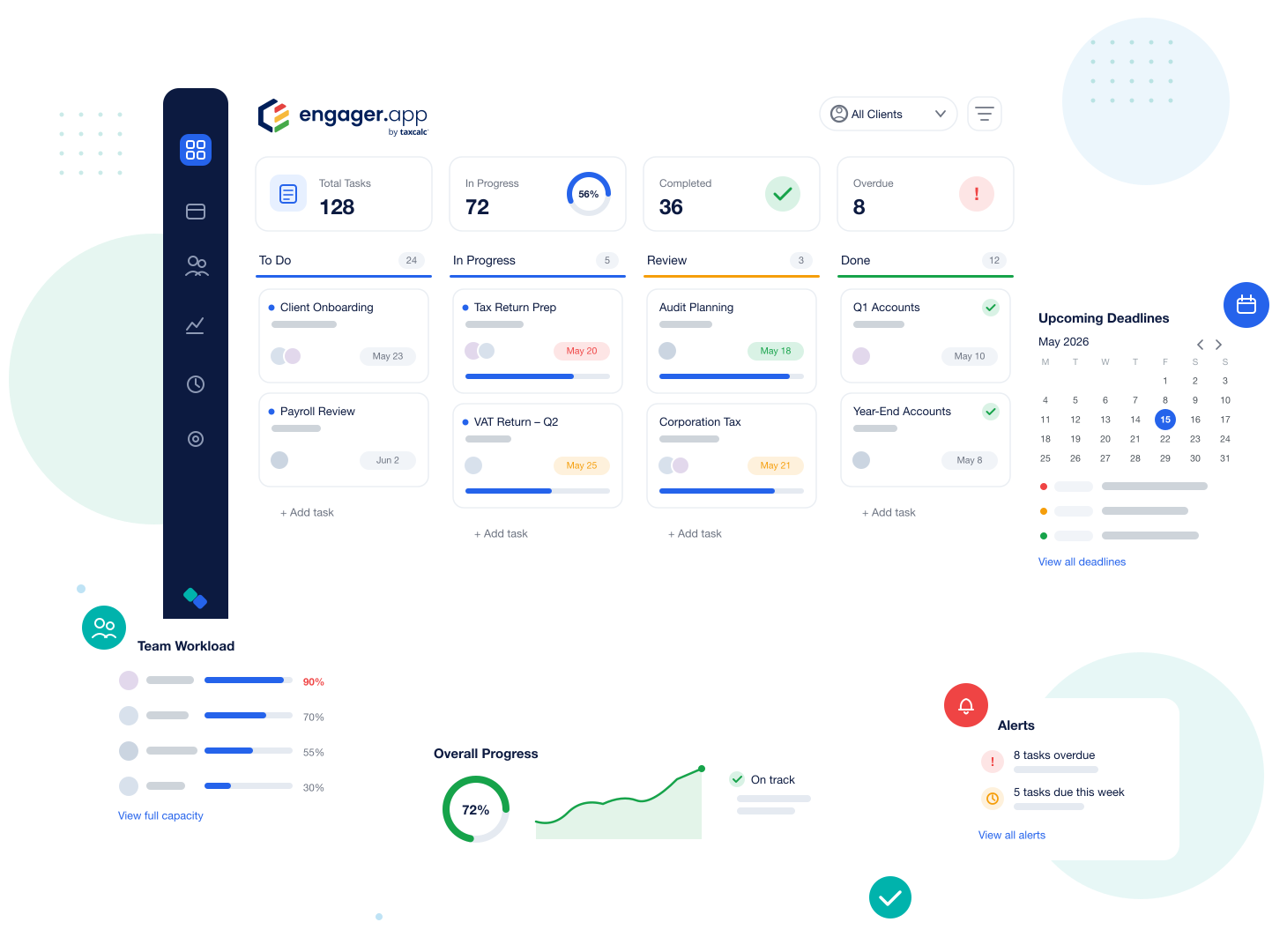
Engager is the award-winning practice management software that gives you a sharper view of workflow across your practice.

From task management and automated admin, to onboarding and proposals, Engager brings together all the key practice management features you need and integrates with the full suite of TaxCalc accountancy software.  

engager-workflows-showcase

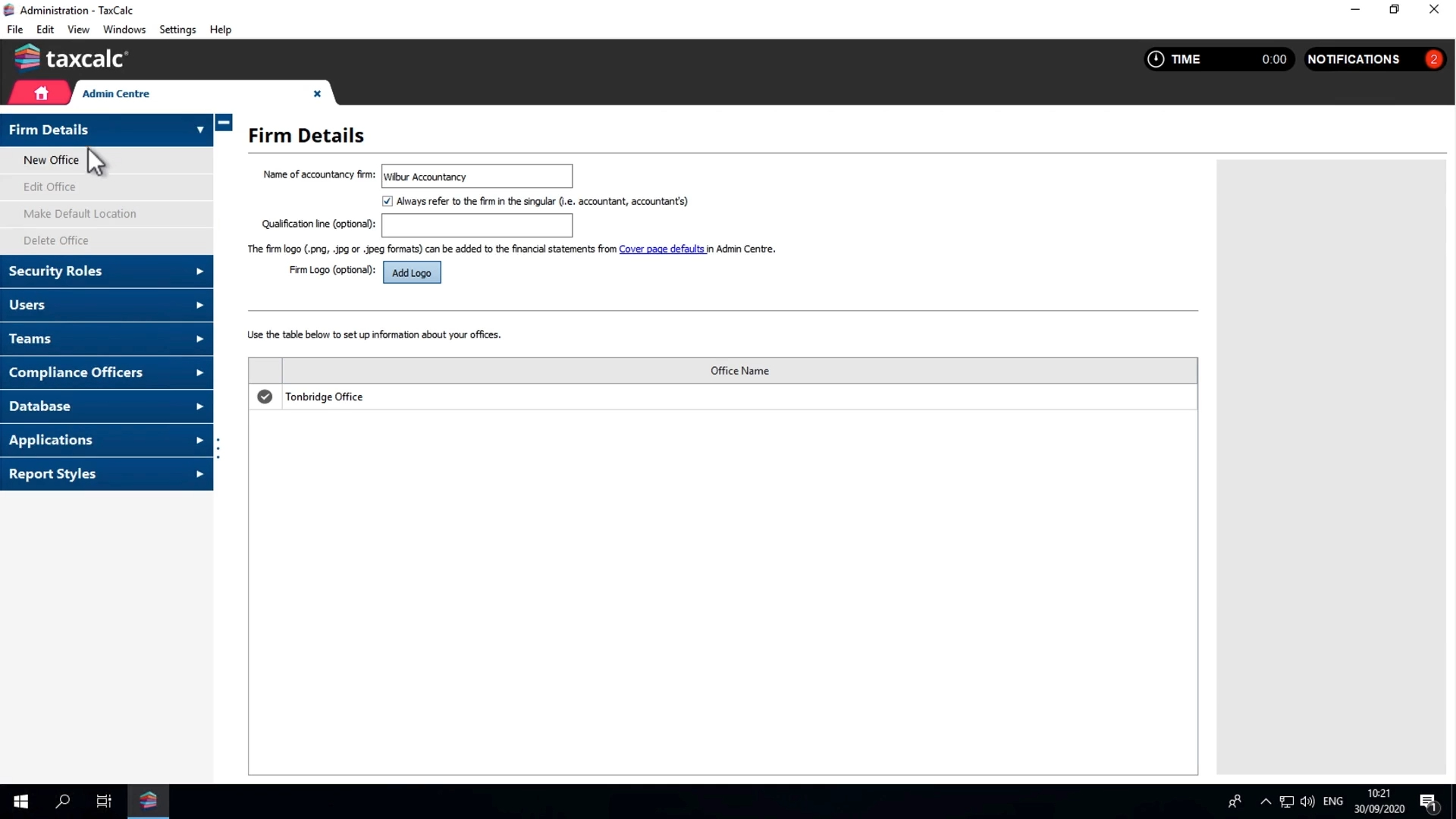
Practice Manager

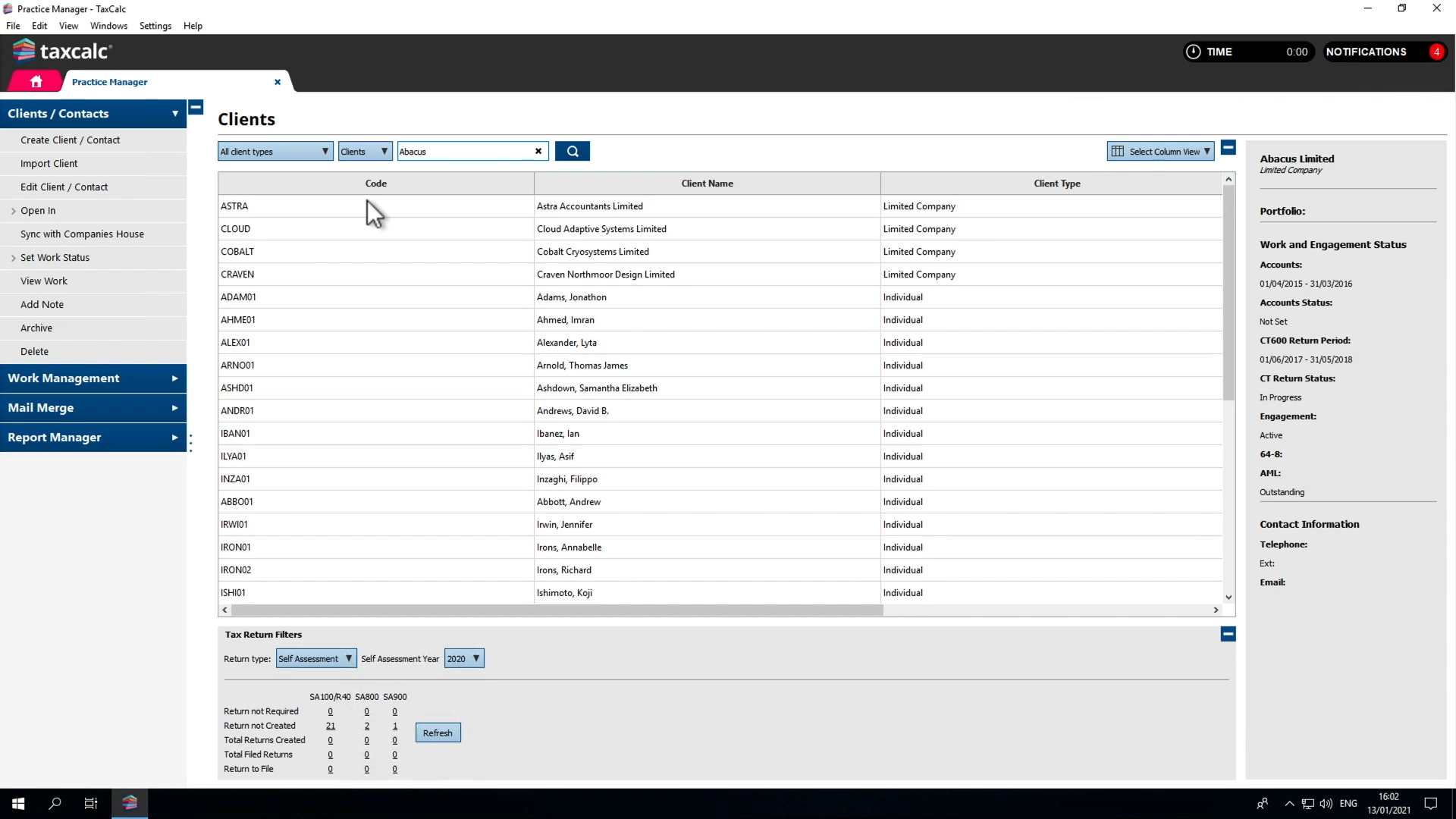
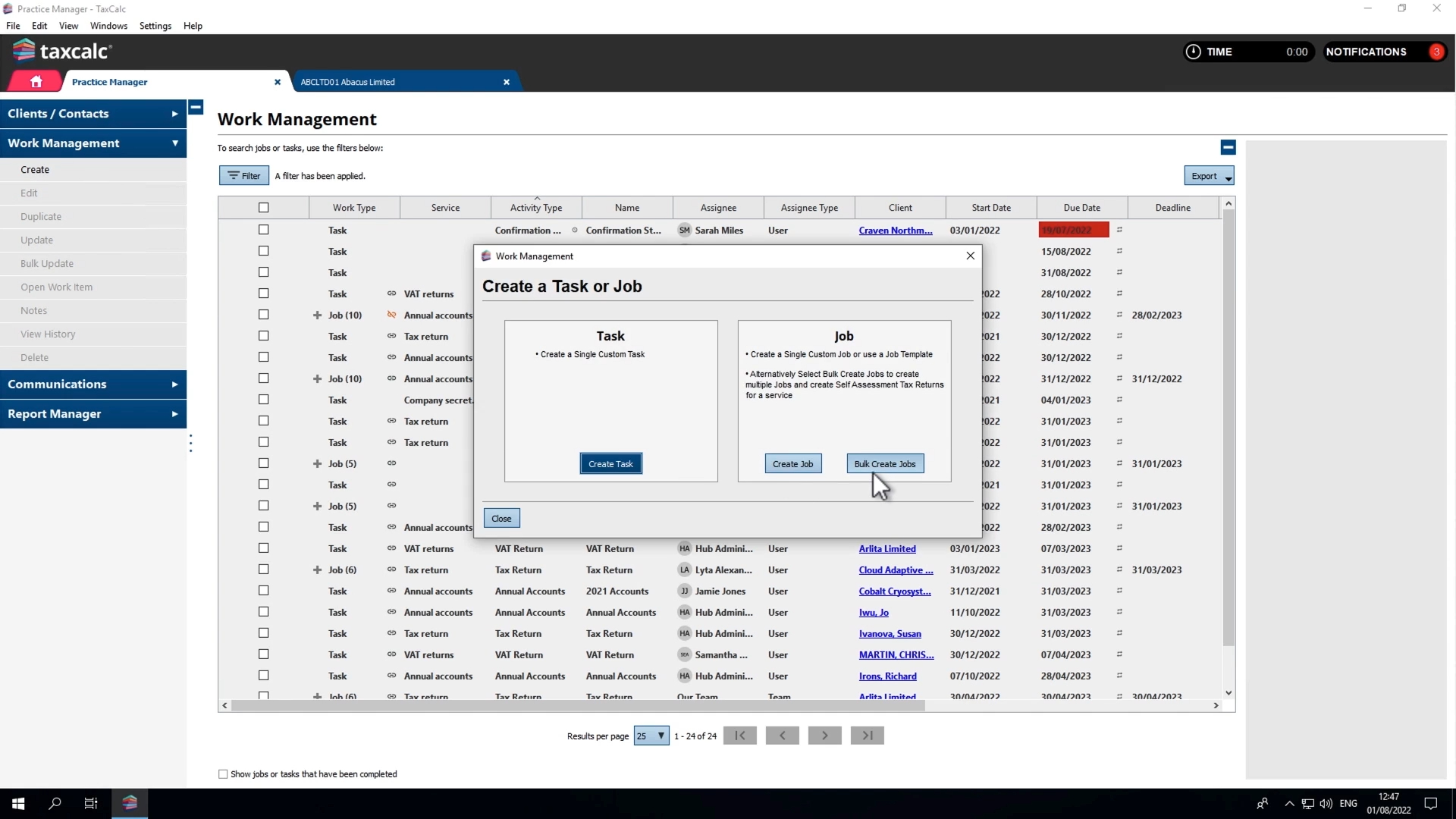
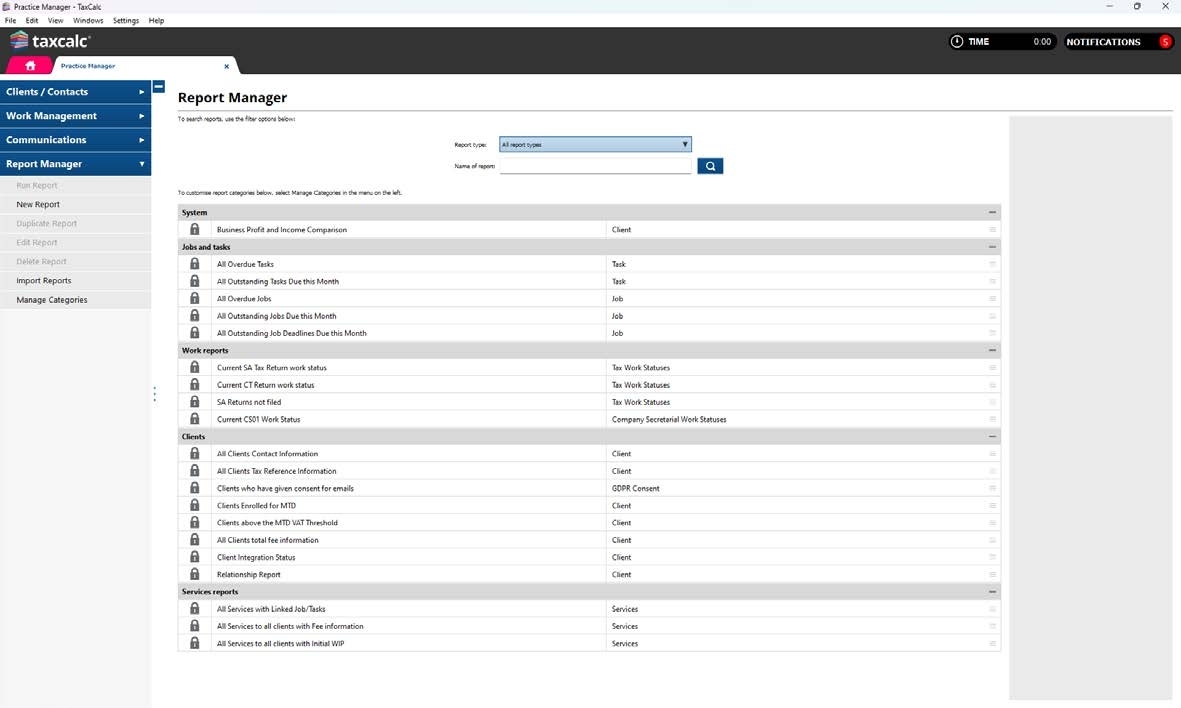
With its powerful administration, client information and practice management tools, Practice Manager will become the heartbeat of your practice.

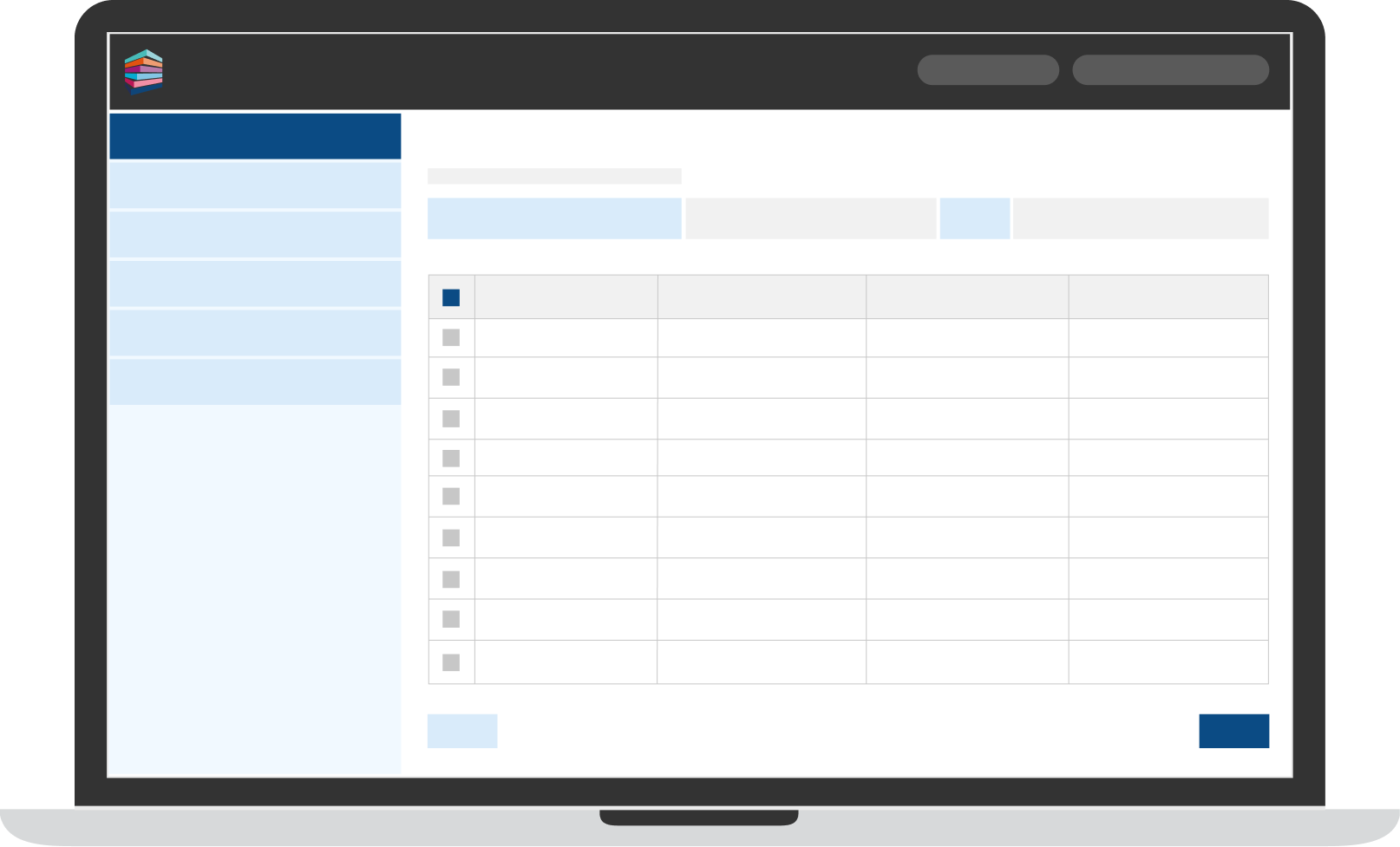
Practice Manager 1 - Simplified interface

The heart of your practice

Manage staff, clients and jobs across multiple offices with ease. Included as standard with all TaxCalc software, Practice Manager provides a single source of client information, sharing data seamlessly with your other TaxCalc applications, with key features including:

  • Client and contact management
  • Client records
  • Task management
  • Reports
  • Client communications

Supported product extras for Product Manager

Practice Manager features an updated library of additional HMRC forms. 

FAQs for Practice Manager

 Game changers for Workflow

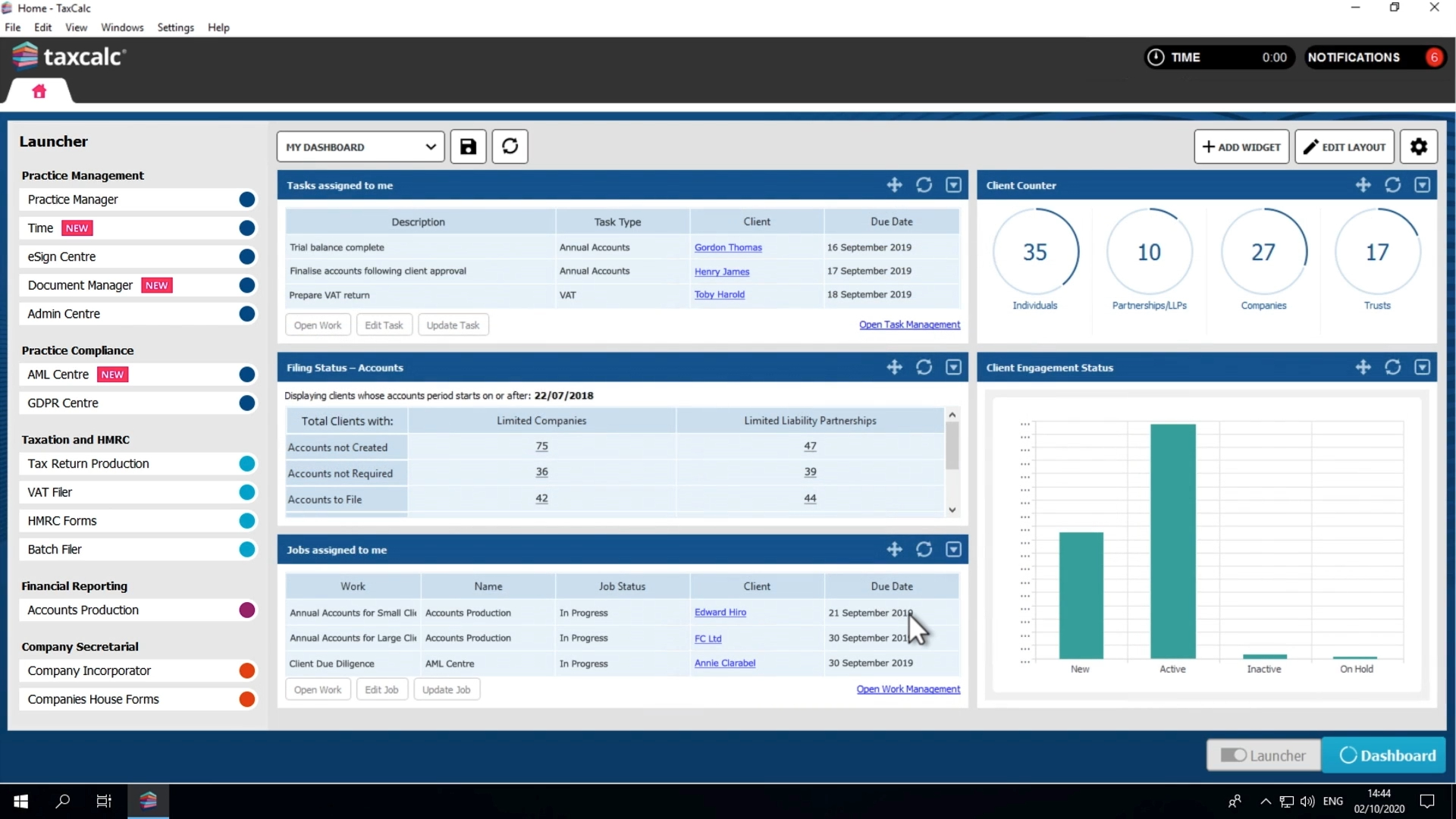
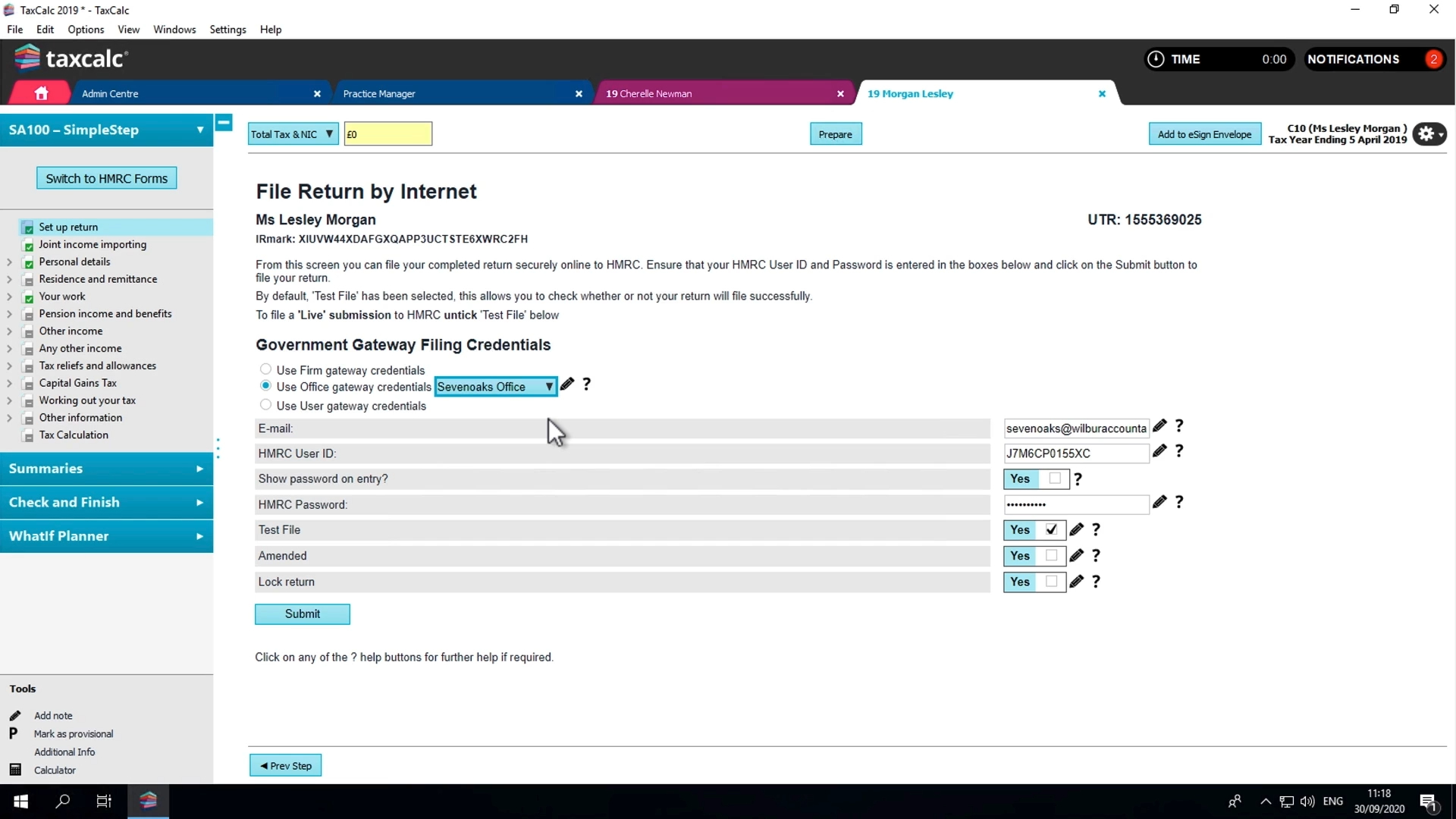
See every job, status and deadline at a glance. WorkFlow gives you instant visibility of what’s happening across your practice, so nothing slips through the cracks, and everyone knows what they’re working on.

Clear, shared view of work

You can see every job, who it’s with, and what stage it’s at — without relying on spreadsheets or chasing updates.

Deadlines you can trust

Built‑in due dates and statuses help you plan capacity, prioritise urgent work and hit every client deadline.

Spotting delays

Spot delays early and rebalance work before problems impact clients or cashflow.

WorkFlow

Track work from start to finish, keep everyone aligned and stay in control as your practice grows. 

Workflow 1 - Simplified interface

Simple workflow control for busy practices

Want to work smarter, faster, be more organised and in complete control?

WorkFlow shows you what work needs doing, who’s responsible and when it’s due — all in one place.  

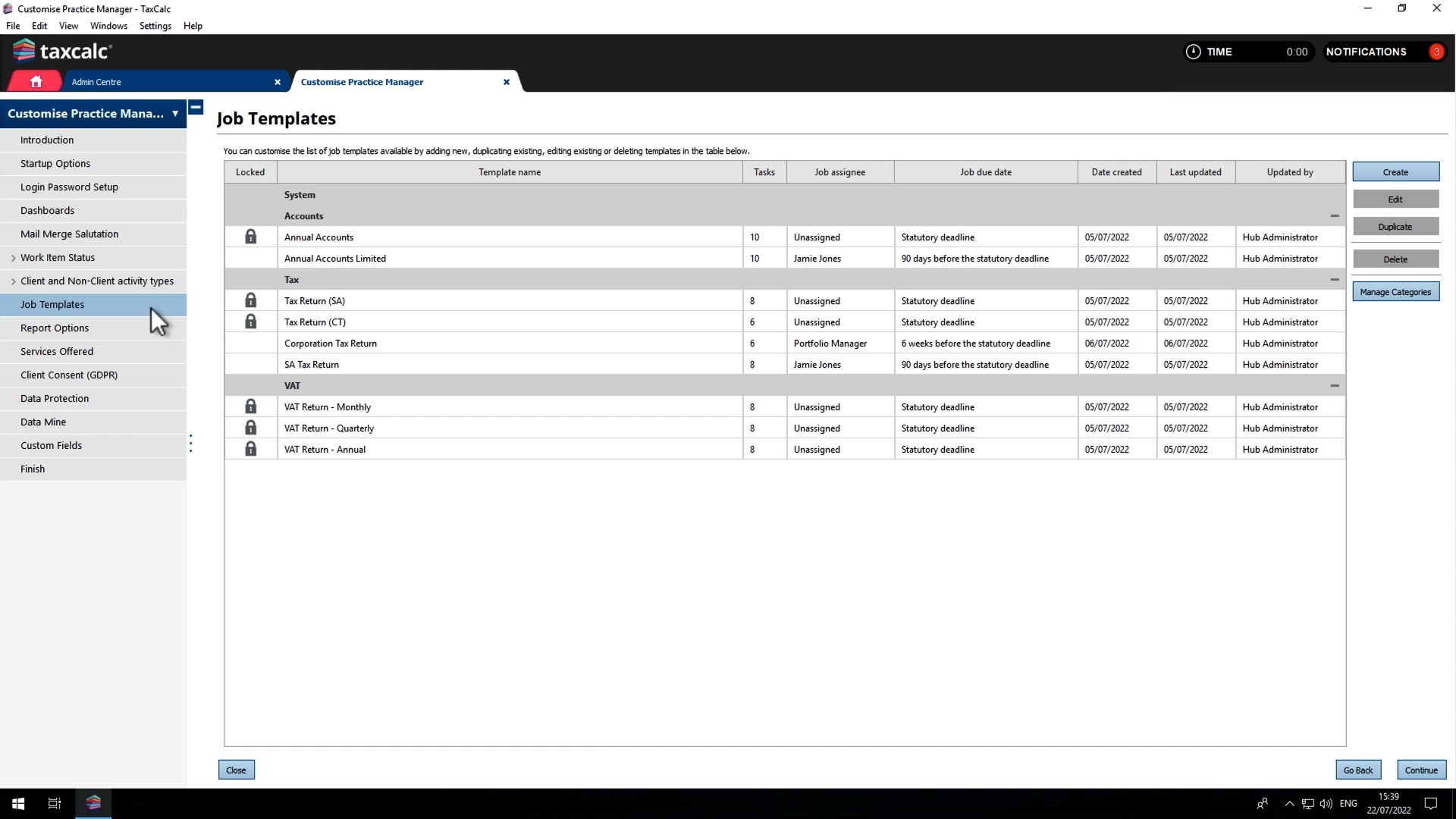
Integrating with your TaxCalc suite, WorkFlow is the solution for managing all activities in your practice. With automation, SimpleStep® checklists, deadline and task management, you’ll banish bottlenecks, identify inefficiencies and automate time-consuming tasks to boost productivity and up your game.

FAQs for WorkFlow

Case study

Workflow makes big impact for 13-staff firm.

When Chapman Worth switched, Director Matthew Chapman found “The most obvious impact TaxCalc has had on our practice is the workflow module. This is something we have always wanted, but we previously had to rely on spreadsheets.” 

Case Study Mobile Background-1

 Game changers for Time

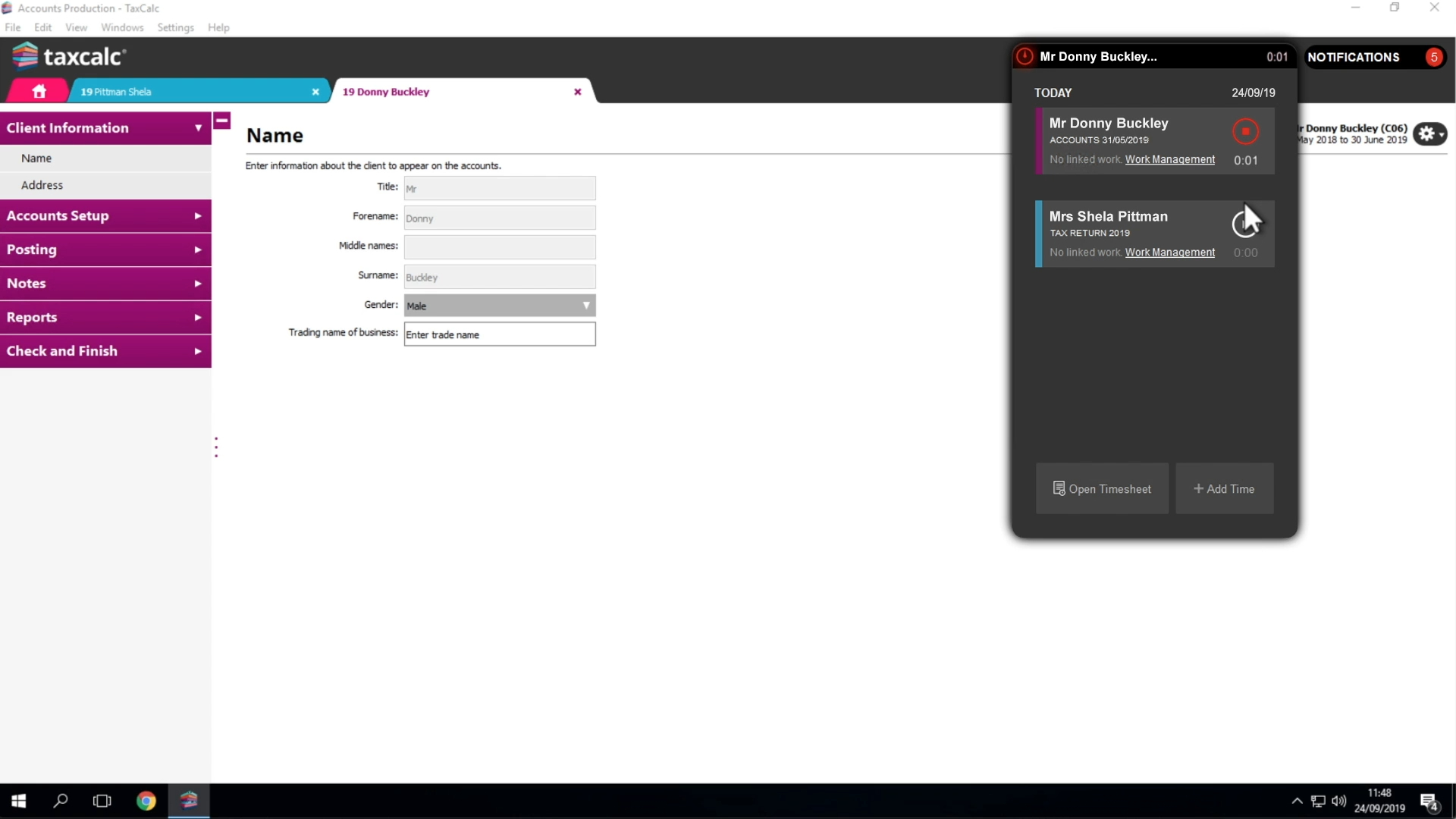
 Accurate time recording without the admin. Time helps you record, review and understand how your team spends their time — without slowing them down. 

Time capture that fits real work

Record time against jobs as you work, without complex setup or disruption.

Better billing decisions

Understand where time is spent so you can price work more accurately and protect profitability.

Time

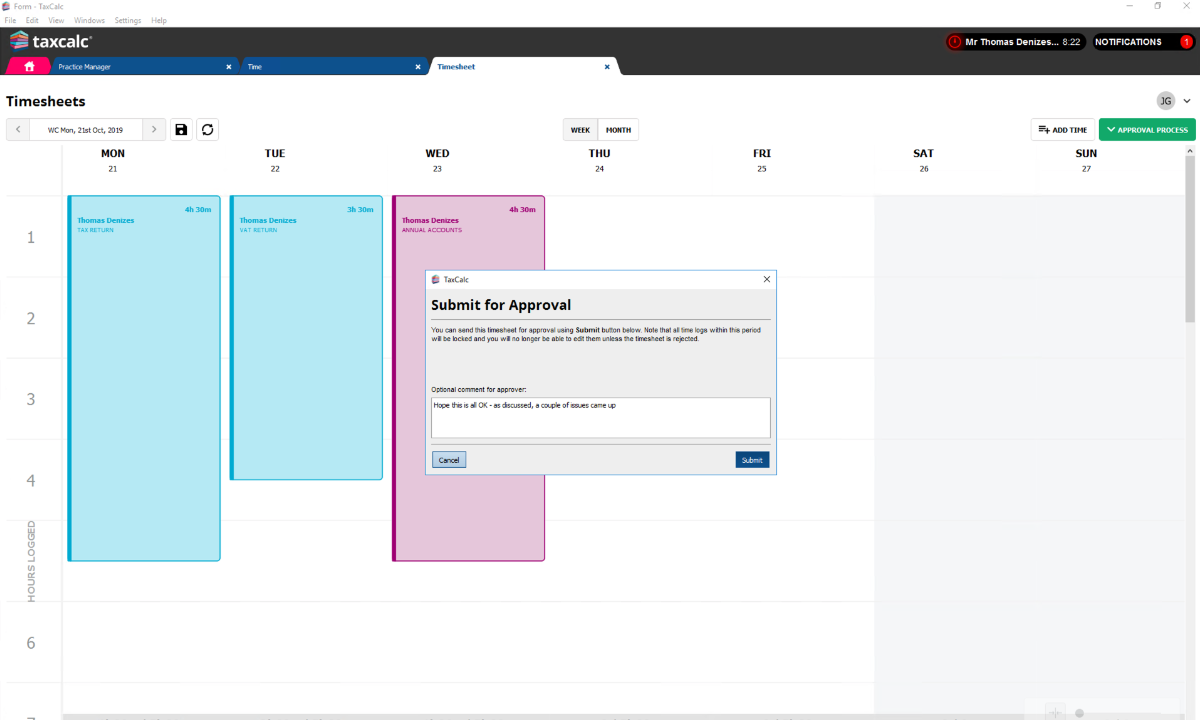
Simple time recording that gives you clarity on costs, recovery and efficiency. 

Workflow 1 - Simplified interface

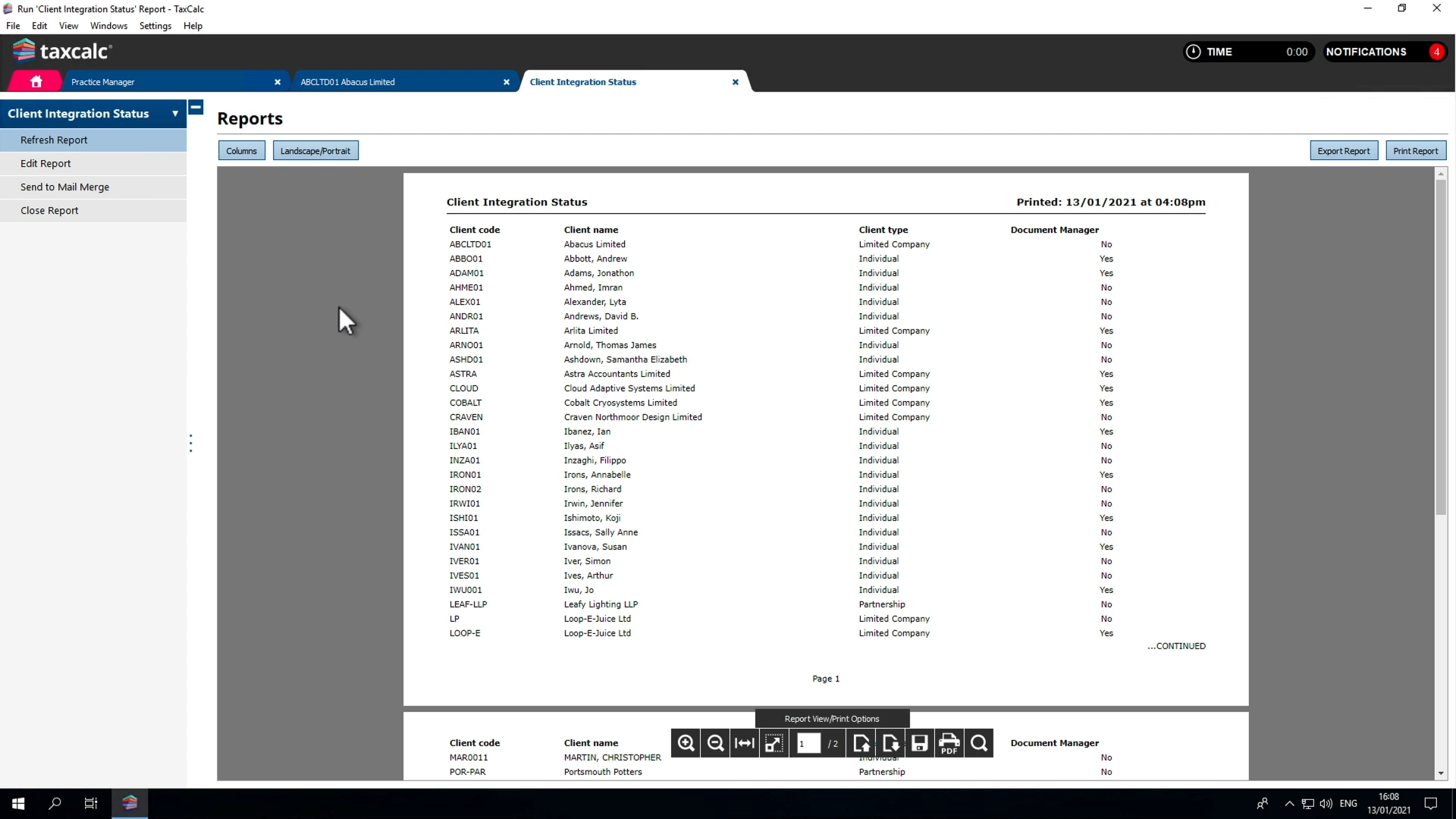
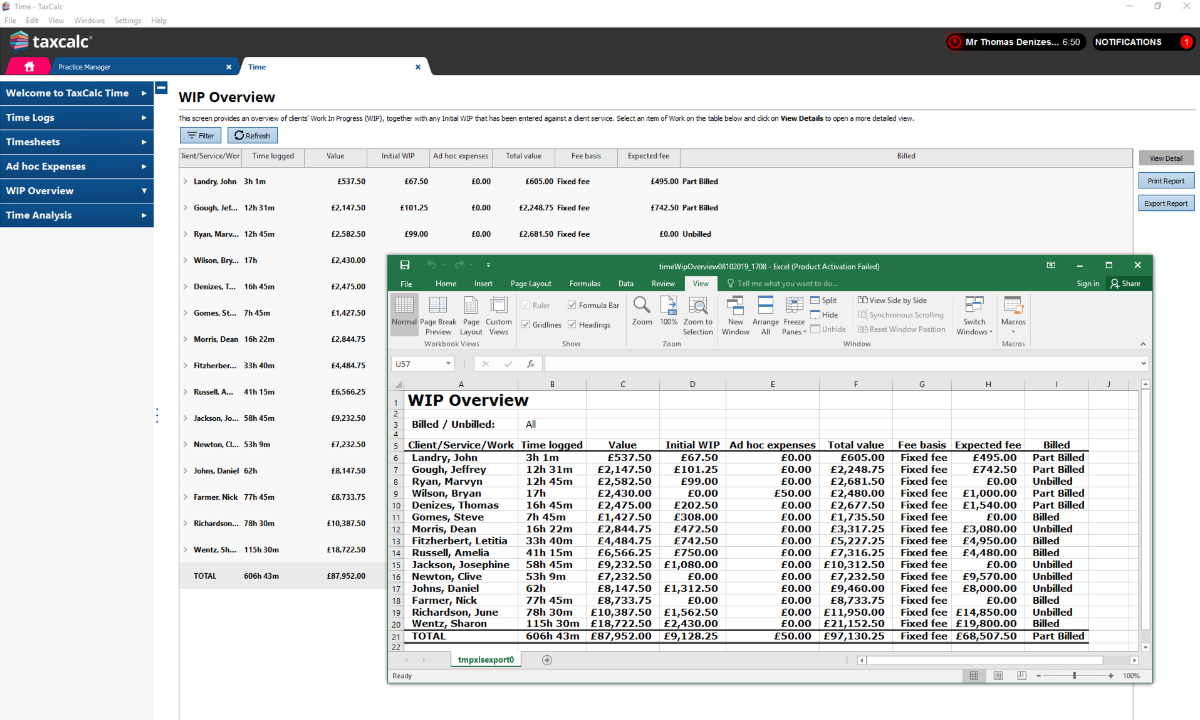
See where the time really goes

Get the big picture as well as the minute detail of all time spent in your practice. TaxCalc’s time-logging, automatic tracking and reporting tool, Time, delivers the information you need to keep tabs on productivity and performance in your practice. Time links directly to your workflow and clients, giving you a clear picture of effort versus fees.

FAQs for Time

Game changers for Companies House Advanced Integration

Companies House Advanced Integration significantly reduces the time it takes to setup new clients in TaxCalc and will check and sync information between your TaxCalc database and Companies House.

Reduce rekeying

Client and company data flows between systems, helping reduce mistakes and inconsistencies.

Speedy client creation

Significantly reduce the time it takes to set up new corporate clients in TaxCalc.

Live synchronisation

Compare data within your TaxCalc database with live data held by Companies House.

Full relationship history

Download all officers, past and present, including dates of appointment and termination.

Companies House Advanced Integration

TaxCalc Companies House Advanced Integration turns the collation and maintenance of important client data from a slow and monotonous process into a quick and easy task. 

Companies House Advanced Integration

Simpler Companies House work

Manage company data more efficiently and reduce repetitive admin.


FAQs for Companies House Advanced Integration

Game changers for Communications Centre

 Communications Centre helps you manage letters and emails in a structured, compliant way.

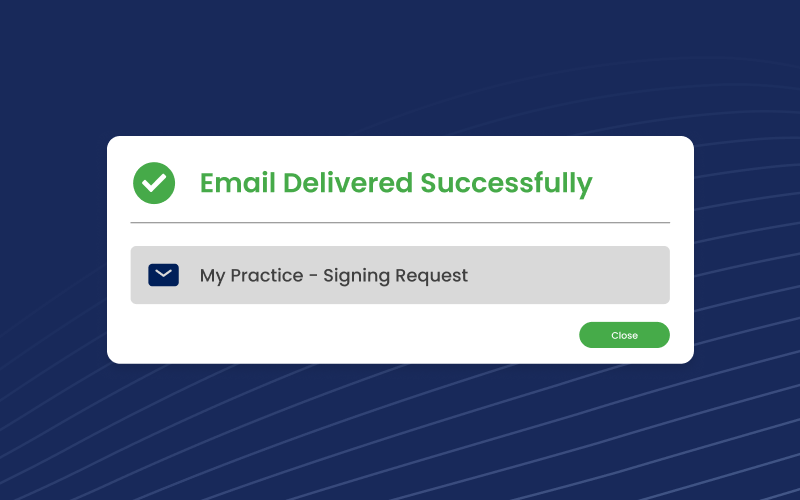
Easily email clients

Contact your clients with ease using our time time-saving tools

Reduce manual errors

Use templates to keep client communications accurate and consistent.

Communicate in bulk

Send letters to groups of clients without repetitive admin.

Automate requests and reminders

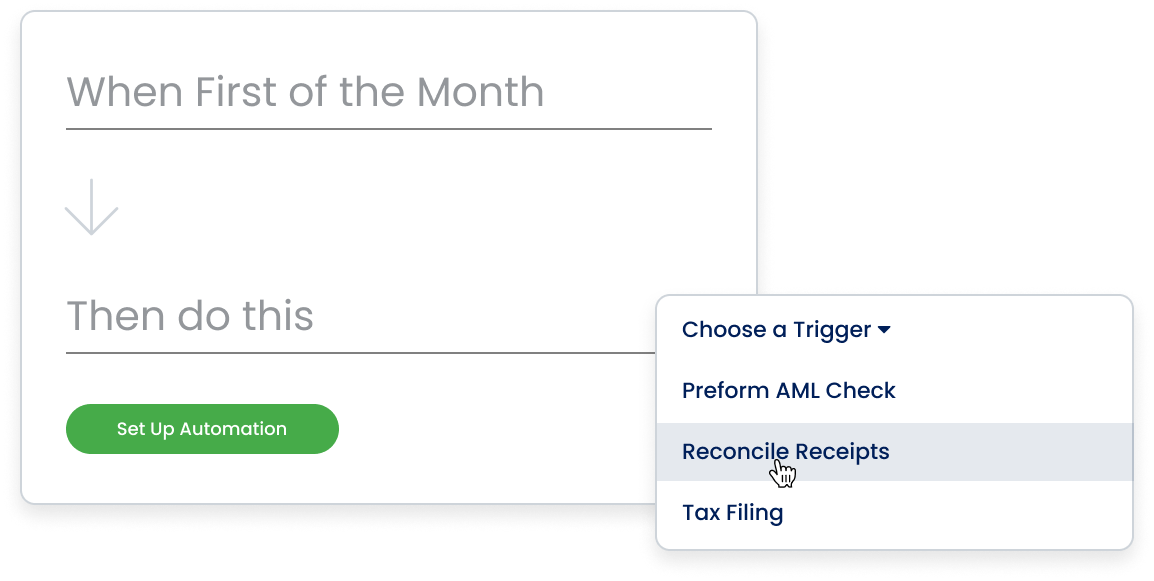
Bring client communication into your workflow with record request automation.

Communications Centre

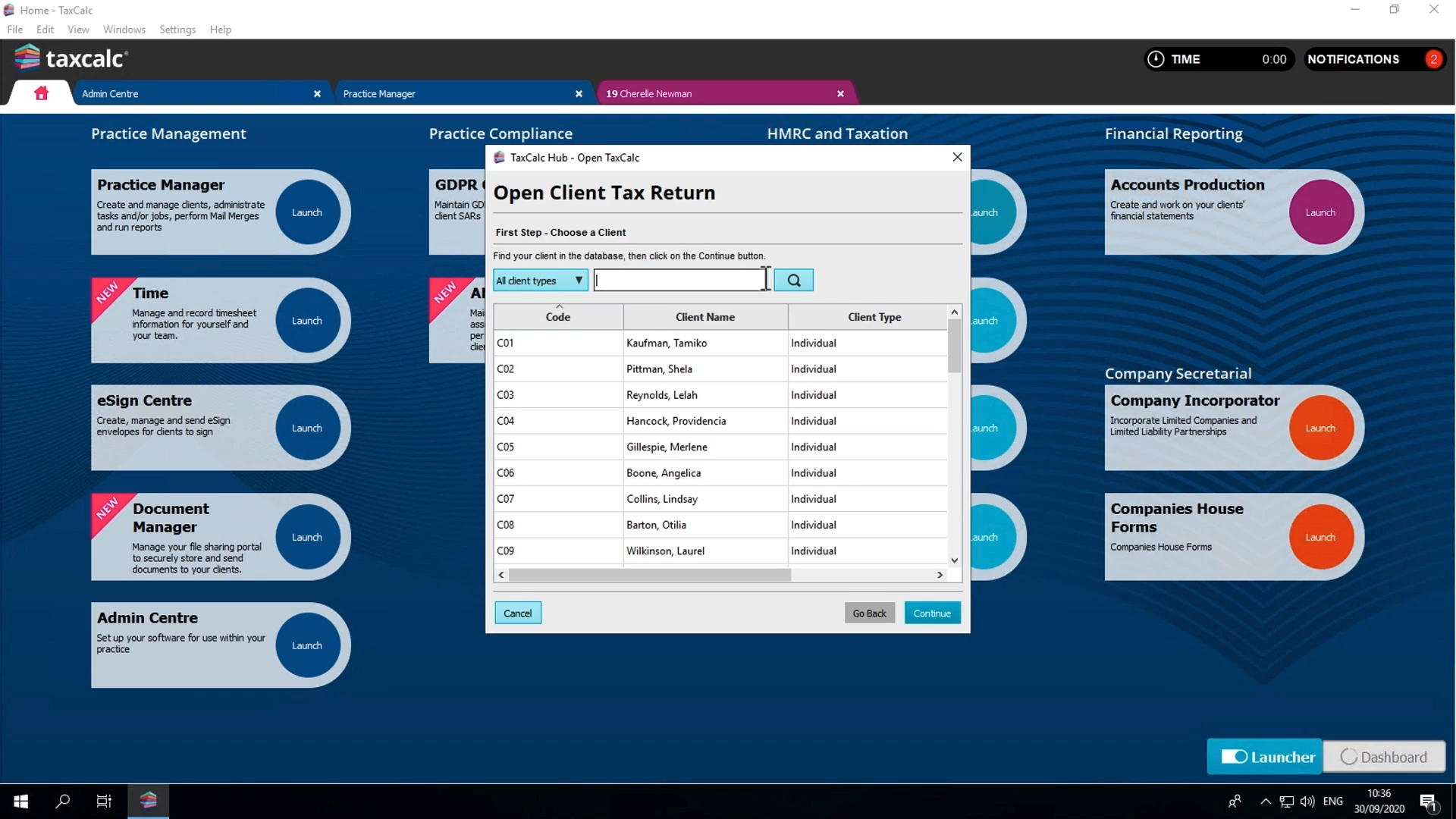
 Manage emails, letters and attachments directly within TaxCalc, so client communication stays linked to the work you’re doing, not scattered across inboxes and folders.

Communications Centre

Putting you in control of client communications

Welcome to a more effective way to engage with clients. Access client data and integrate communications seamlessly with your TaxCalc database.

Transform client management and achieve a consistent process of communication within your practice. Communications Centre does it all.

FAQs for Communications Centre

 Game changers for Document Manager

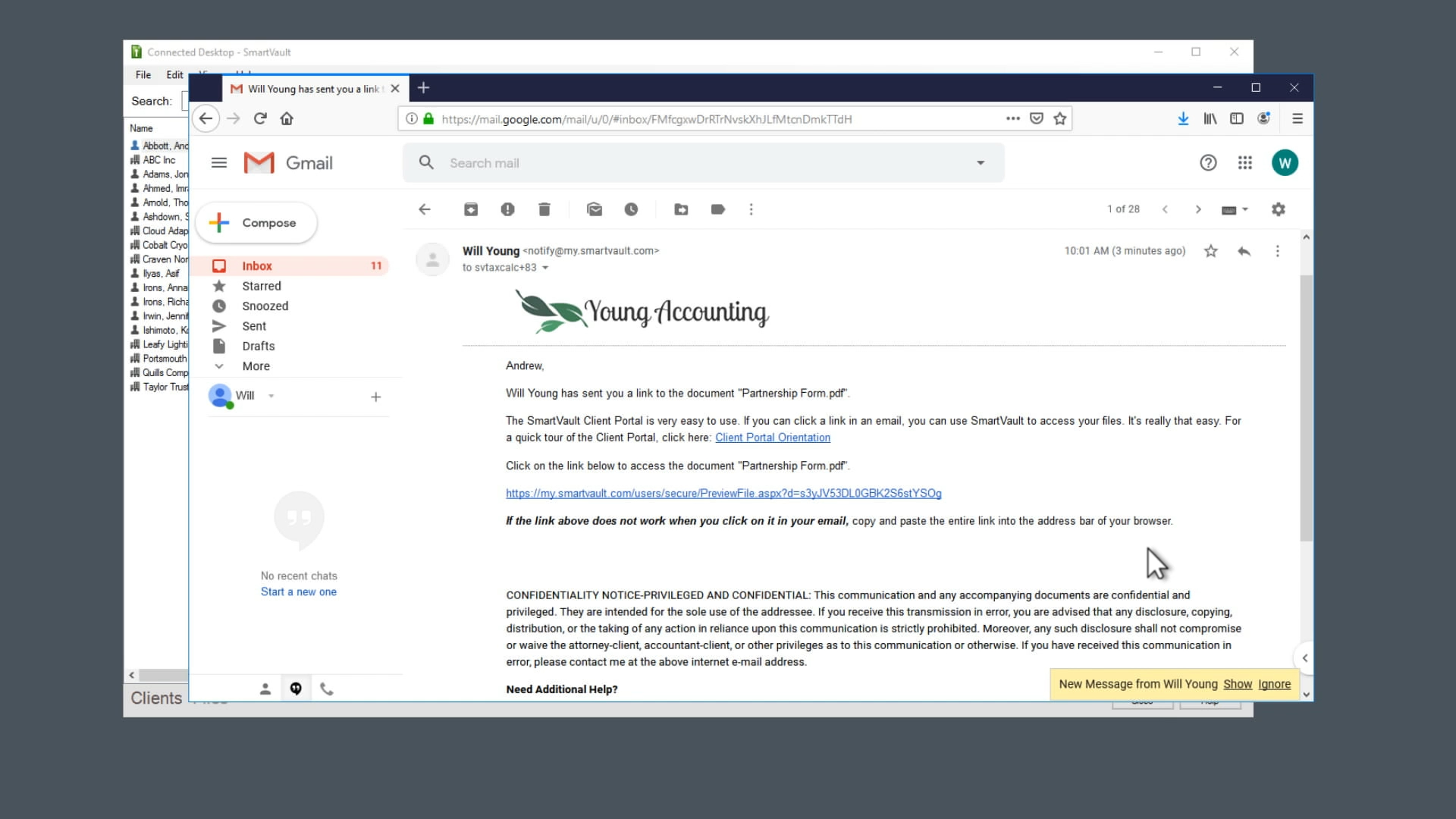
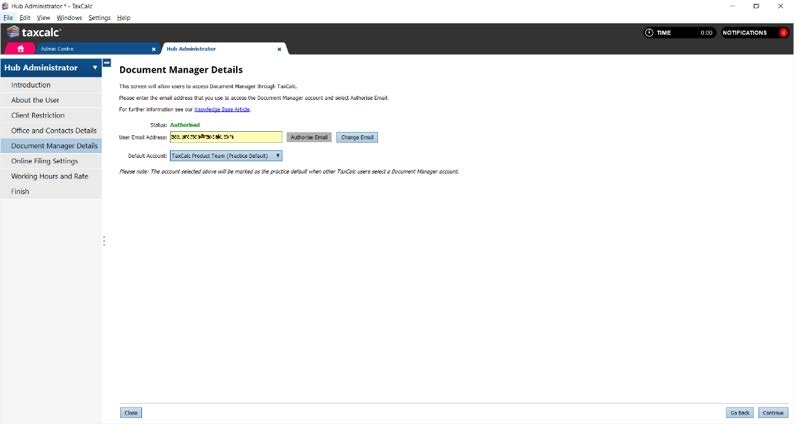
Store, share, manage and access all your firm and client documents remotely and securely, with one easy-to-use cloud-based solution.

Find files quickly

Keep client documents organised and accessible.

Automate tasks

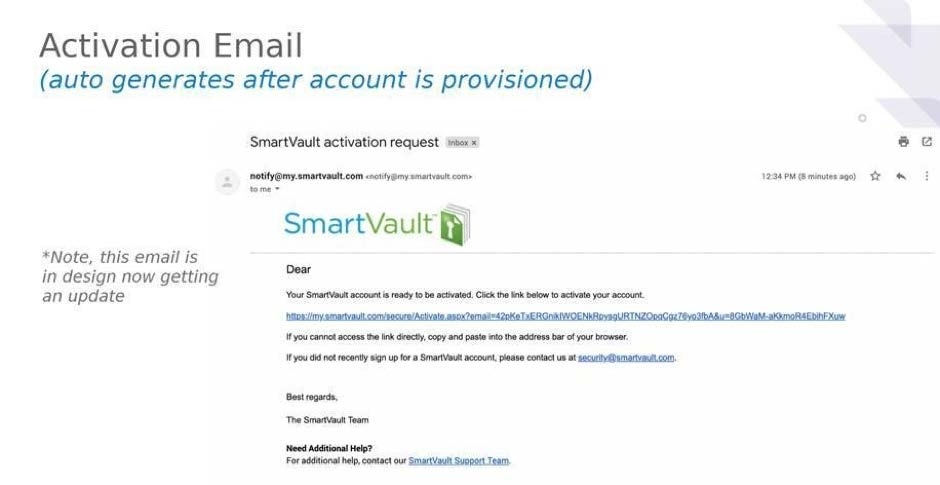
Scan, drag and drop or upload directly to SmartVault, then auto-file or distribute documents to clients.

Brand your client portal

Upload your firm’s visual identity to give your clients a secure and professional way to collaborate.

Complete security

Document storage and sharing is protected with ultra-secure encryption for all-round peace of mind.

Create document workflows

Use customisable folder, mail merge and email templates to work the way you want to work.

Speedy client approvals

Switch from Document Manager to TaxCalc eSign Centre for a faster turnaround of digital document reviews and approvals.

Document Manager

 Document Management gives you a structured way to store and access client documents.

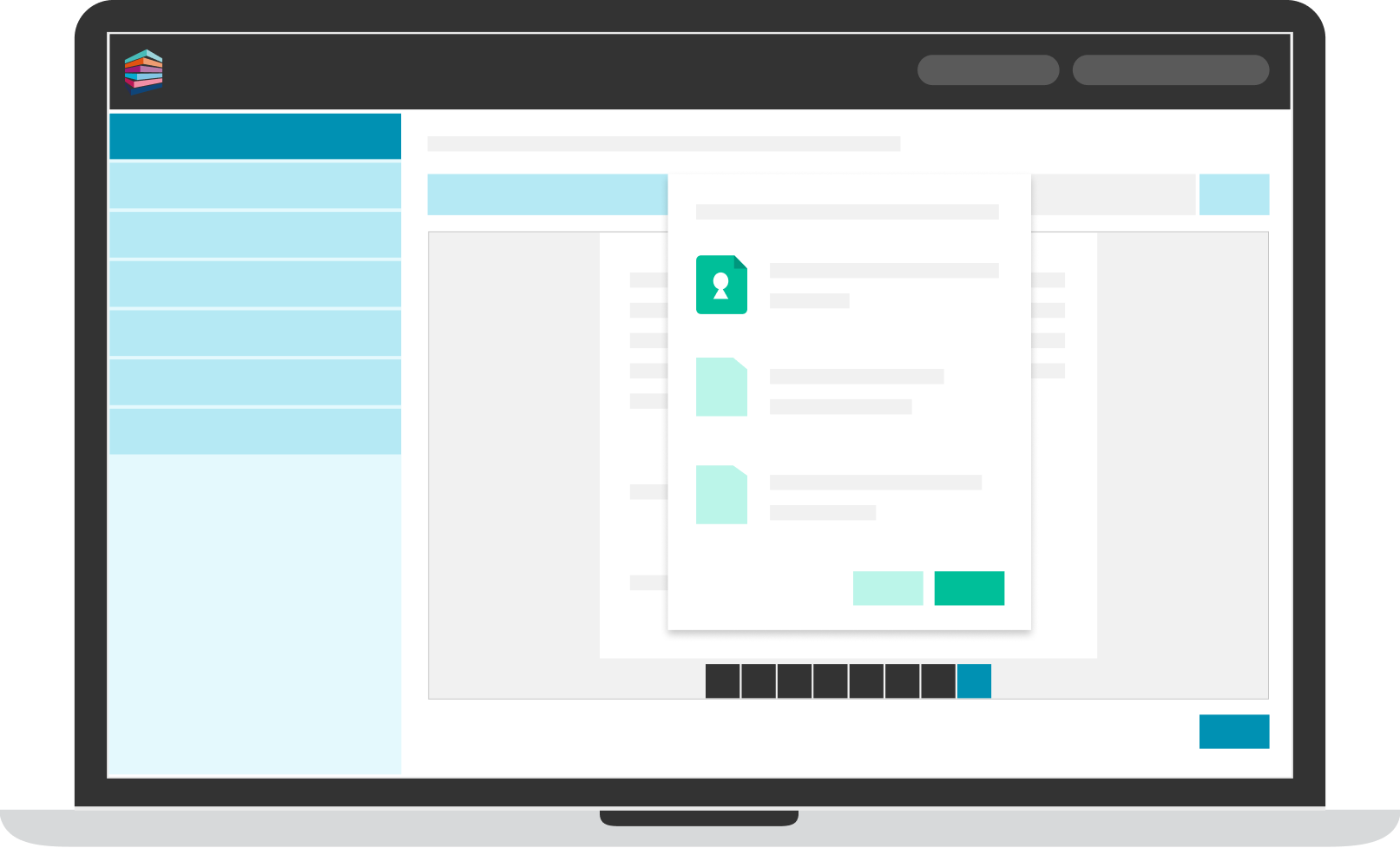
Document manager - 4

Share documents securely with clients

Give clients access to a secure, professional portal to exchange documents, reducing reliance on email attachments and unsecured file sharing.

Upload documents by scanning, dragging and dropping, or sending them directly from TaxCalc — making it easier to keep records up to date without extra admin. 


FAQs for Document Manager

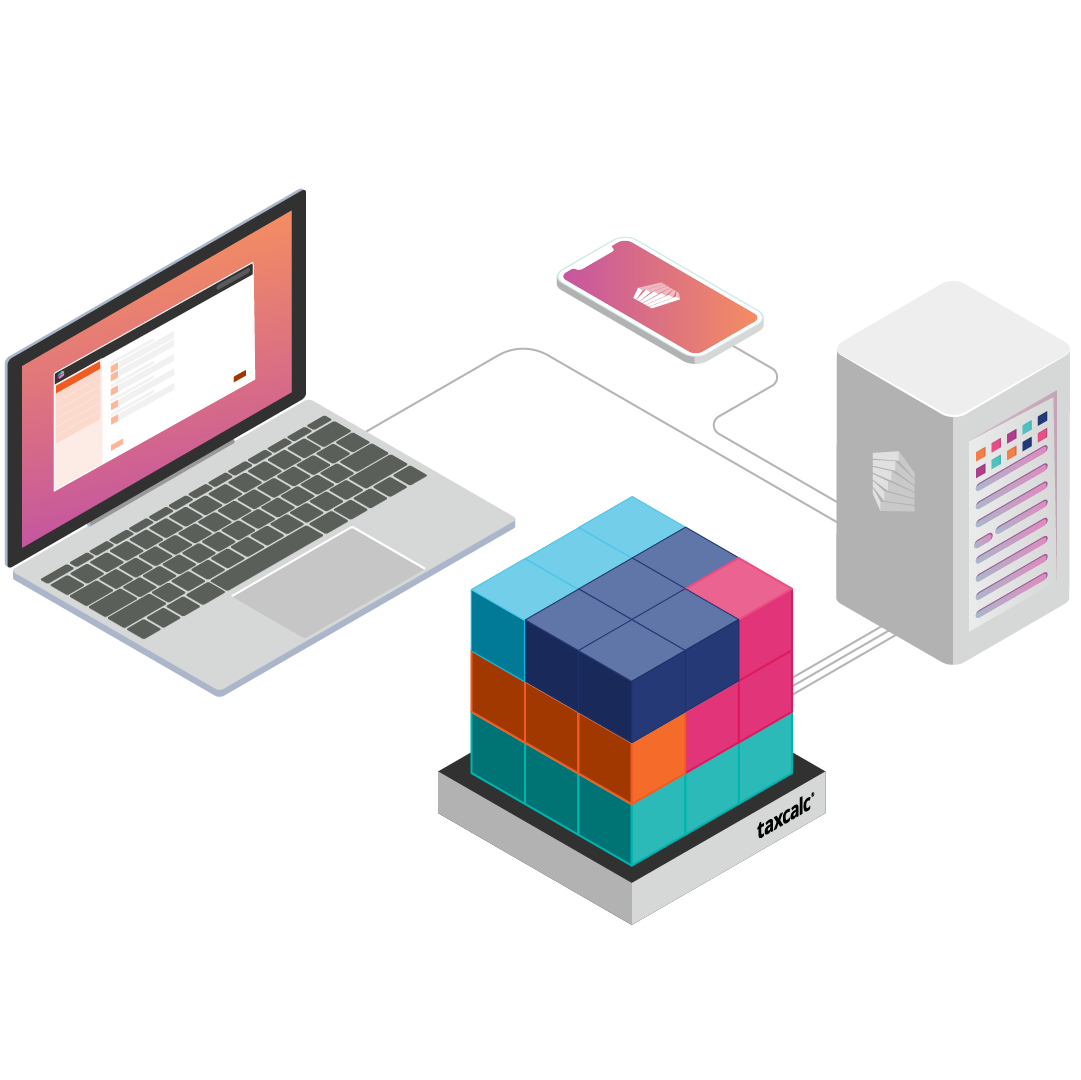
Use the tools you need and add more as you grow

Each classic practice management tool focuses on a specific job. Use them on their own or combine them to suit how your practice works today, with the option to move to Engager when you’re ready.

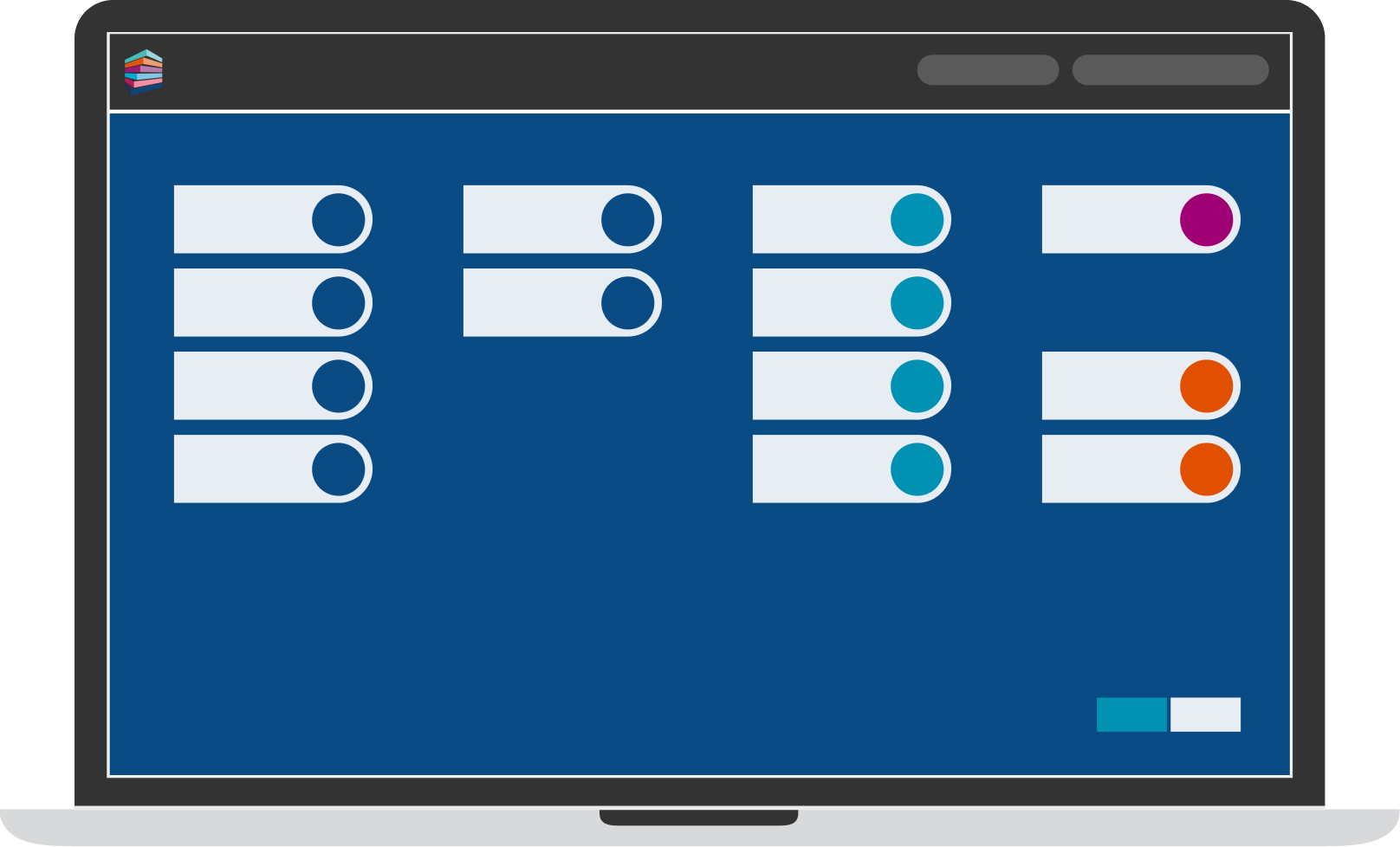
TAC076–Modular infographic–Computers_v4

Don't just take our word for it

See why so many growing UK practices love using our practice management tools to speed up processes, keep clients happy, and improve collaborative workflow.

UK-based telephone support from experts

Great news! You get free access to a UK-based support team with accounting expertise and training, available on the phone and email, with all our products.

Contact our team and get help throughout the week, with extra support during busy season.

TXC-image

Choose the setup that works for your practice

Get a quote today to explore any of our classic practice management products, or explore Engager for an all-in-one approach.