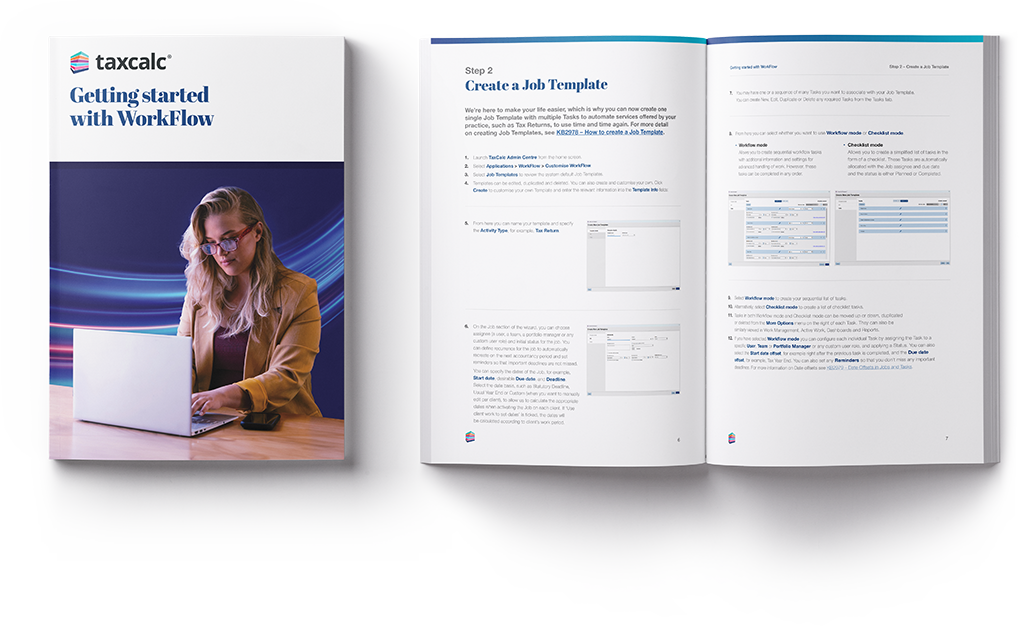
This step-by-step guide shows you how to use WorkFlow to plan and manage jobs, break them into tasks and keep track of deadlines across your practice.
Download the guide for free
This step-by-step guide shows you how to use WorkFlow to plan, organise and manage your firm’s work within TaxCalc.
It’s ideal for accountancy practices that want to keep work on track and improve efficiency, by organising jobs like tax returns into clear tasks and managing deadlines in one place.
Inside, you’ll learn how to create job templates, assign services to clients, activate jobs and track progress across your team. The guide also covers how to run reports and use dashboard widgets to see what work is outstanding or approaching deadlines.
You’ll also see how WorkFlow works alongside Practice Manager to help you coordinate tasks, assign responsibility and keep visibility across all client work.