TaxCalc - licensing problem

We're currently investigating an issue affecting the licensing of TaxCalc, which in turn may create an issue with you connecting to your database. We are looking at this as a priority.  This may also affect the use of eSign, AML ID checks, Bookkeeping integrations and some filing attempts.

15:45 - Further monitoring showing login and access to eSign, AML ID checks etc., are operating as expected now. This message will come down at 17:00, assuming no new reports.

15:00 - we're currently monitoring a change which has showed initial positive results.

14:00, 13:00, 12:00 - the issue continues to be investigated

11:00 - we're seeing some users be able to log in as needed but are continue to investigate.

10:30, 10:00, 09:30 - the issue continues to be investigated

  • Resources
  • Getting started with WorkFlow guide

Getting started with WorkFlow guide

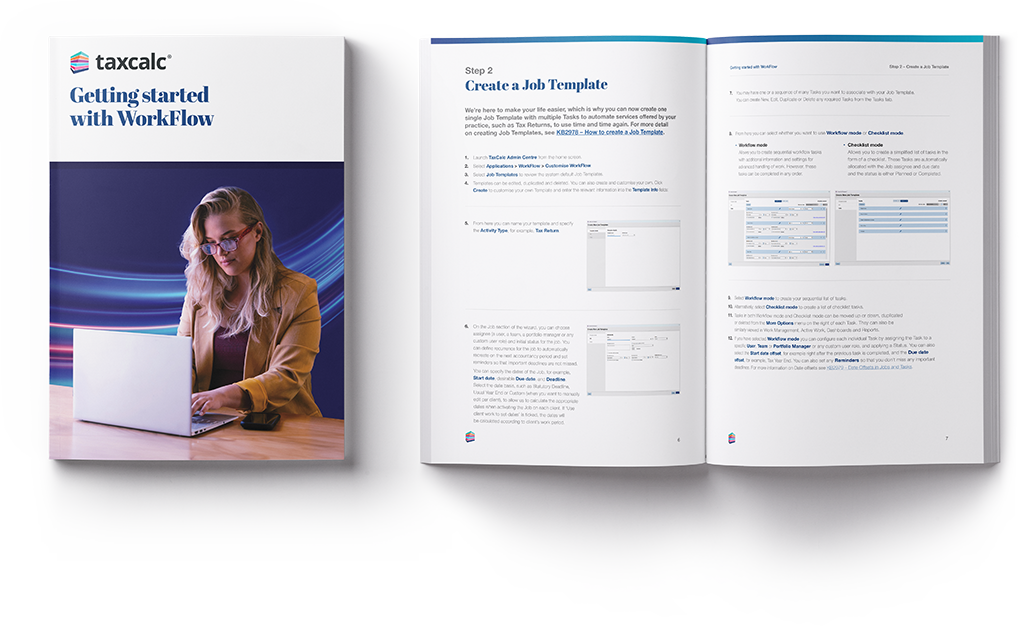
 This step-by-step guide shows you how to use WorkFlow to plan and manage jobs, break them into tasks and keep track of deadlines across your practice. 

Download the guide for free

This step-by-step guide shows you how to use WorkFlow to plan, organise and manage your firm’s work within TaxCalc.

It’s ideal for accountancy practices that want to keep work on track and improve efficiency, by organising jobs like tax returns into clear tasks and managing deadlines in one place.

Inside, you’ll learn how to create job templates, assign services to clients, activate jobs and track progress across your team. The guide also covers how to run reports and use dashboard widgets to see what work is outstanding or approaching deadlines.

You’ll also see how WorkFlow works alongside Practice Manager to help you coordinate tasks, assign responsibility and keep visibility across all client work.
workflow-getting-started-guide

Ready for more?

Find out more about WorkFlow, including how to purchase and download the software.