Learn how to send documents for approval and speed up client sign-off in your practice.
Download the guide for free
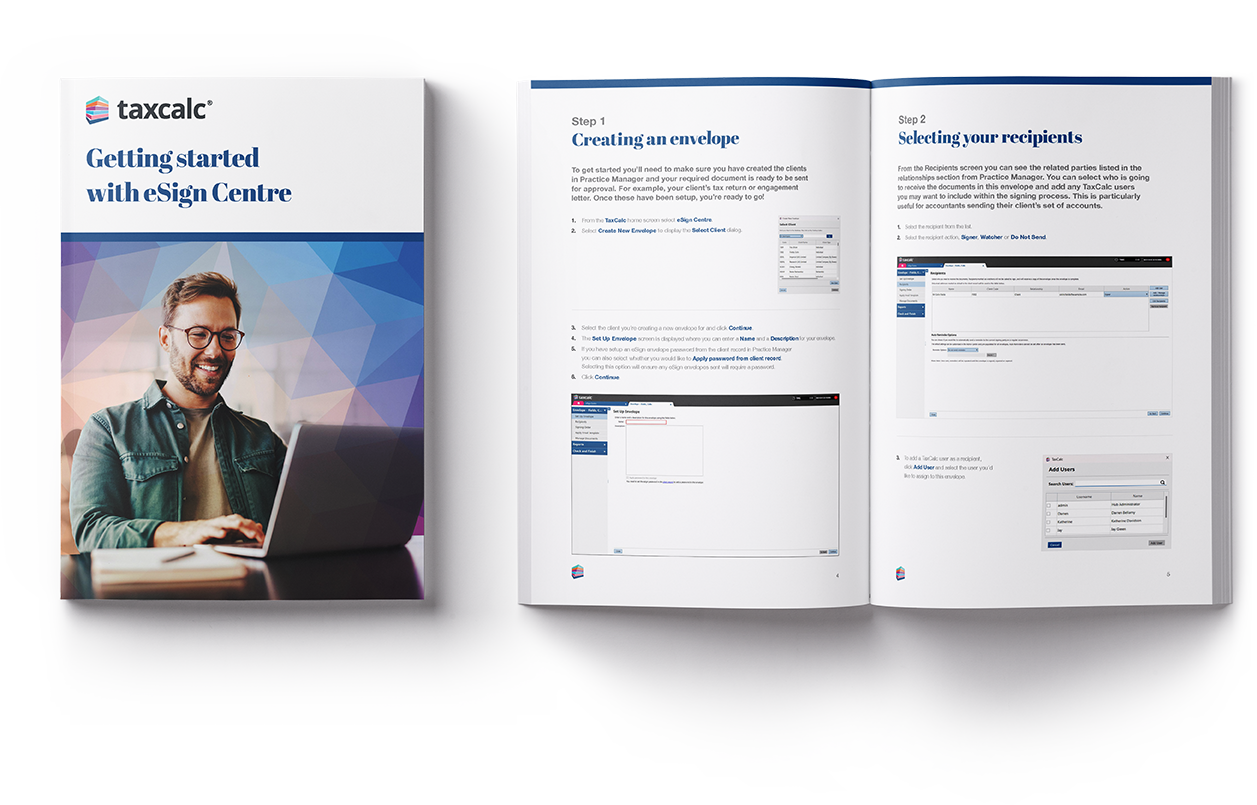
This step-by-step guide shows you how to use eSign Centre to send documents to clients for approval and signature, without the back-and-forth of printing, scanning or chasing.
It’s ideal for accountancy practices that want to speed up sign-off for tax returns, VAT returns, accounts and other important documents — and get notified as soon as a client signs, so you can keep work moving.
Inside, you’ll learn how to set up a send, add recipients, choose the signing order, use email templates, attach documents, add signature fields, and complete the final checks before sending.
The guide also shows how to send documents to Document Manager if you use it alongside eSign Centre.