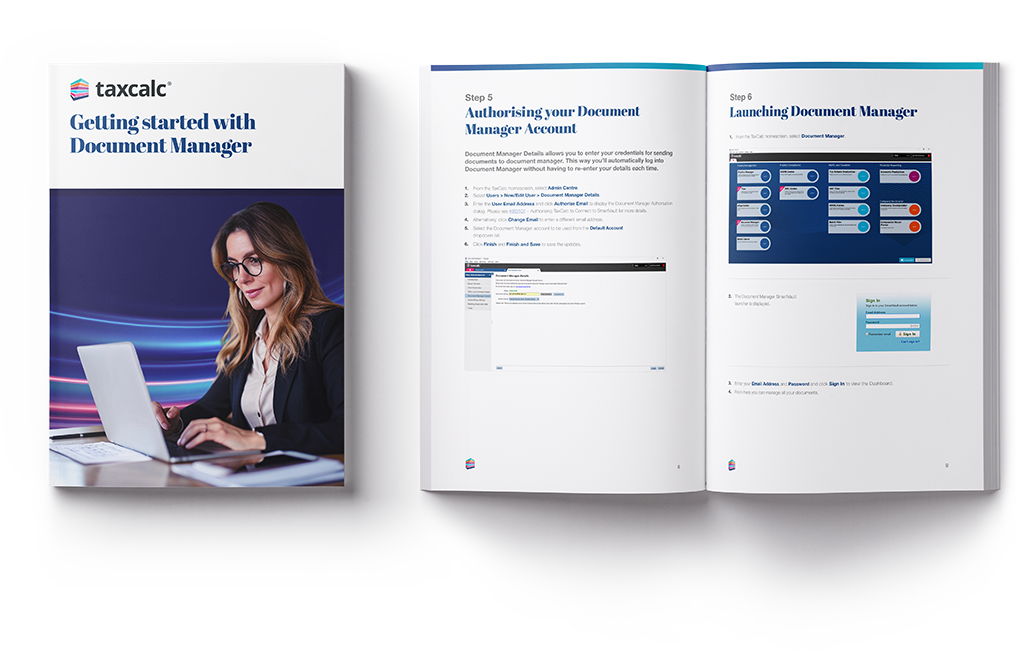
Learn how to store, share and manage client documents securely with this step-by-step guide on Document Manager, powered by SmartVault.
Download the guide for free
Set up Document Manager quickly and start storing, sharing and managing client documents securely. All within TaxCalc.
This step-by-step guide walks you through everything you need to get started, from activating your account and adding users, to uploading documents and sending them for electronic approval. It also explains how to connect Document Manager to TaxCalc, so you can link client records and avoid duplication.
It’s ideal for practices setting up Document Manager for the first time, or teams looking to introduce a more efficient way to manage documents and approvals. By the end of the guide, you’ll be ready to organise documents in one place, share files securely with clients, and streamline your workflow from preparation through to final sign-off.