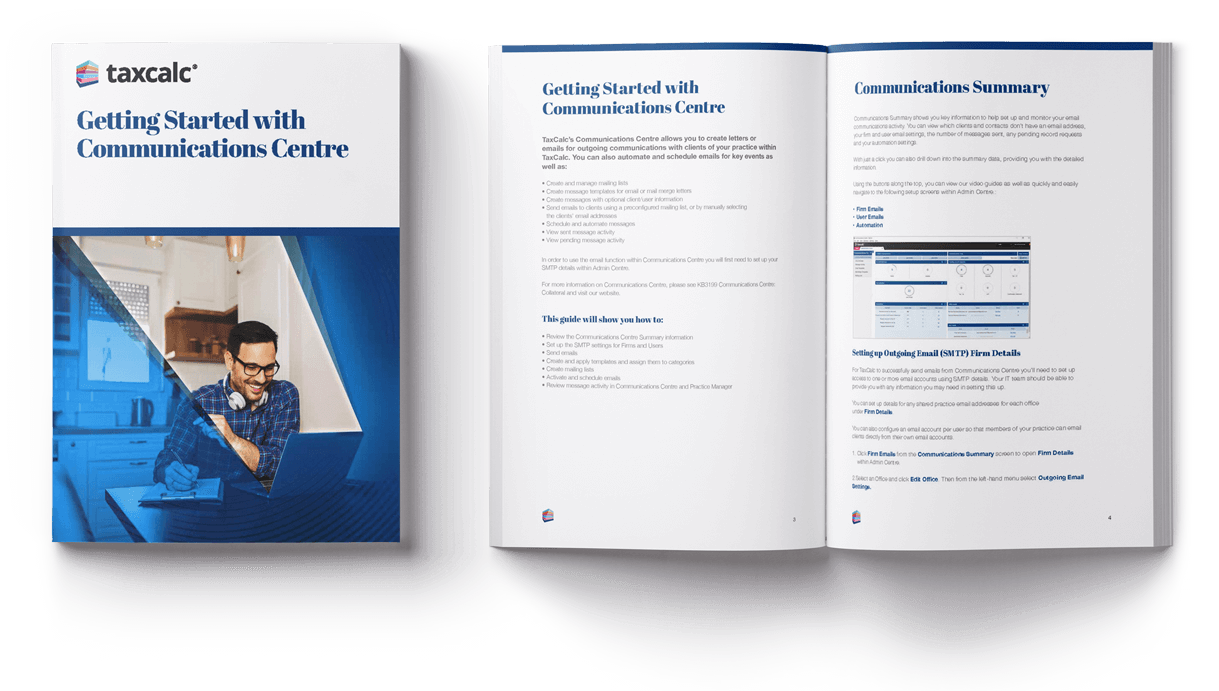
Learn how to send emails, automate messages and manage client communications within TaxCalc.
Download the guide for free
This step-by-step guide shows you how to use Communications Centre to manage emails and client communications from within TaxCalc.
It’s ideal for accountancy practices that want to save time on day-to-day client communication, with tools to send emails, create templates and manage mailing lists in one place.
Inside, you’ll learn how to set up your email accounts, send messages to clients, create reusable templates, build mailing lists and schedule or automate emails for key tasks.
The guide also shows how to track communication activity, so you can easily see what’s been sent, when it was sent and who sent it.